


With our editor, you can design any wiki page to highlight the key information. Take advantage of the many options for formatting text, inserting images and tables, or creatively incorporating people, groups, wiki pages, or songs using mentions. Check out “How do I use the editor? ” and get inspired.
Versions #
Every time you edit and save a page, your wiki page is updated and a new, current version of the page is created.
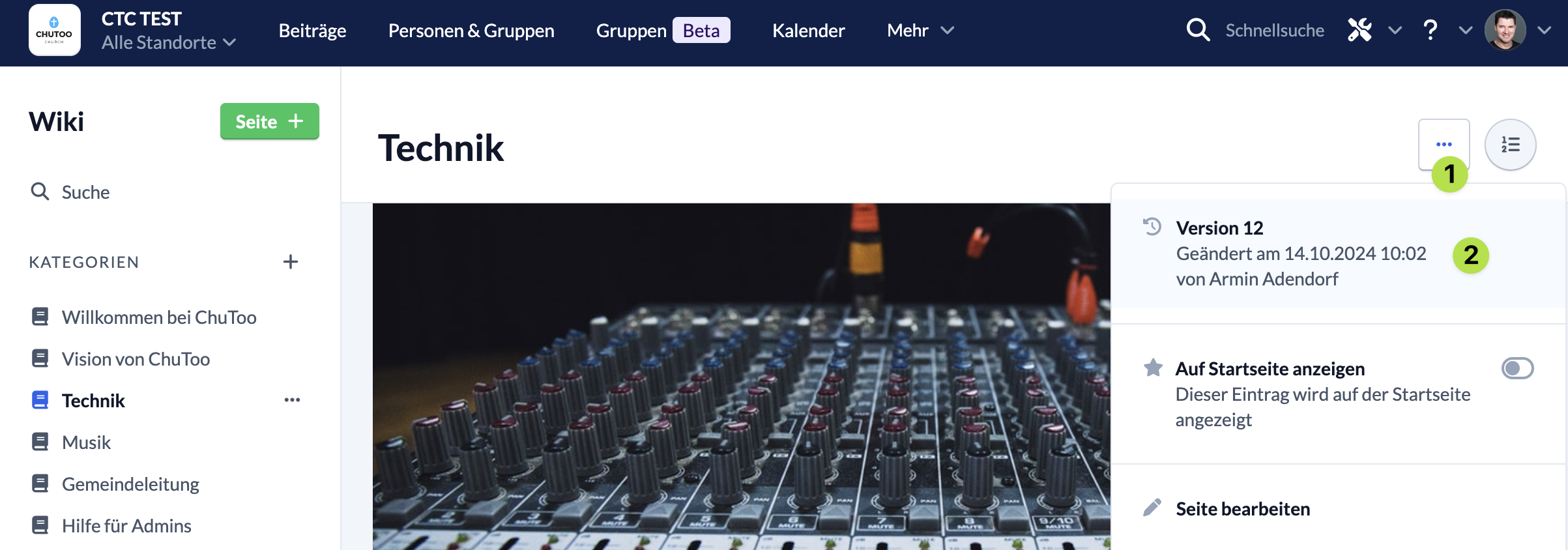
You can use the context menu to view previous versions of the page to track changes.
The last 20 versions of a page are always available; older versions are deleted after one year.
Upload Files #
You can upload files, images, and documents in several ways:
- About the Context Menu
- By dragging and dropping
- Via the green plus icon at the bottom of the page
You can find out exactly how the different methods work read about .