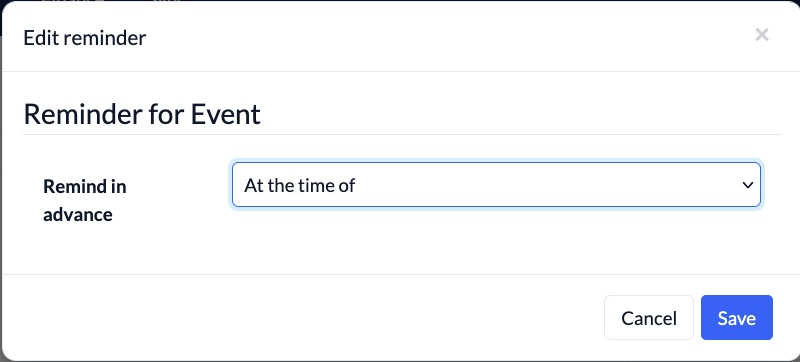
ChurchTools reminds you of appointments, helping you stay on top of your schedule. If you’ve enabled reminders for an appointment, you’ll receive an e-mail at the selected time and a pop-up directly in ChurchTools if you’re currently online.
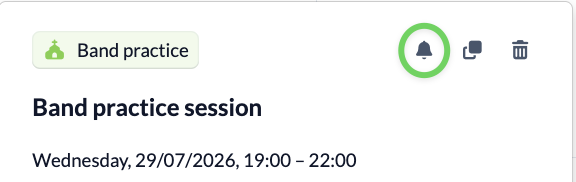
1. Select a date and bell activate #
Go to the Calendar module and find the event you want to set a reminder for.
You don’t need to click on the event; just hover your mouse over it.
2. Select a time for the reminder #