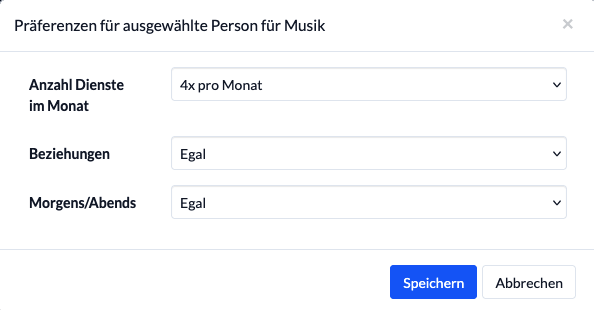


You can set up an employee’s personal preferences for a single role:
- How often a person generally wants to participate
- Whether she would prefer to be scheduled with her partner on the same day (e.g., because they drive together) or would rather not be scheduled together (e.g., because one of them always has to watch the kids).
- Whether you prefer mornings and evenings or just mornings or just evenings.
You can find this setting in the service assignment.
Hover your mouse over a duty group in an event, and the magic wand icon will appear, among other things.
Clicking on it opens the preselection for the duty roster. Of course, you can also change the people assigned.
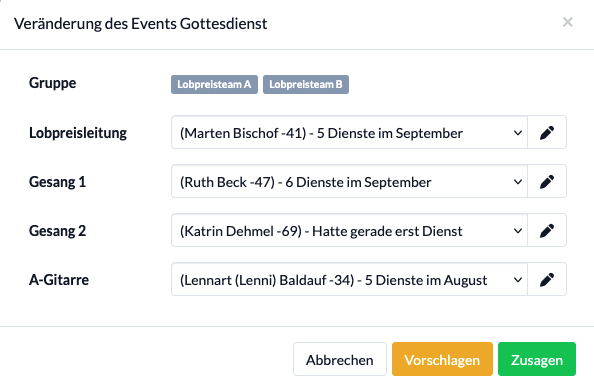
After selecting the pen, you can now set the preferences for the suggested person: