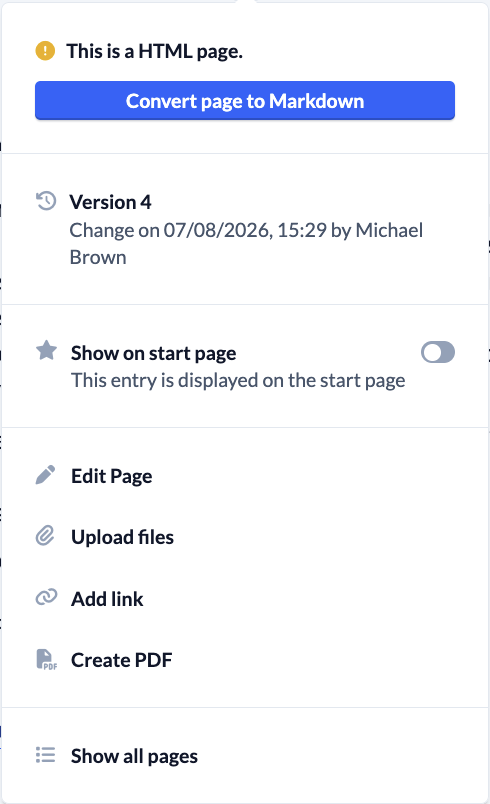


On every category or page, you’ll see a 3-dot menu in the upper-right corner, next to the heading. Here you’ll find additional options for editing a category or page.
- Restore previous versions
- Display entries on the home page of your ChurchTools
- Edit page
- Upload files and add links
- Create a PDF
- Set up forwarding
- Convert an entry to HTML or Markdown
- Show all pages in this category
- Delete a category or page
Menu on a Markdown page #
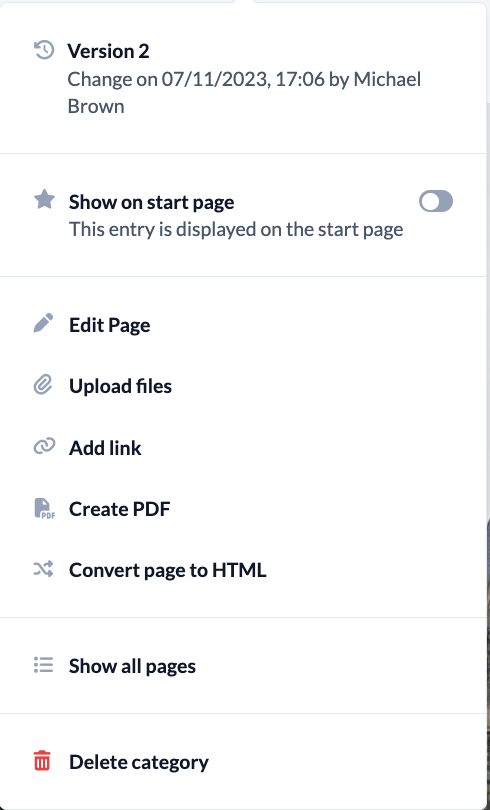
Menu on an HTML page #