


Employees have various options for managing their roles and receiving reminders.
Taking the Initiative: Absences and Preferences #
Enter an absence #
To avoid having to cancel roles unnecessarily, you should regularly enter your absences.
You can find this option in the “Events” module in the main menu on the left:
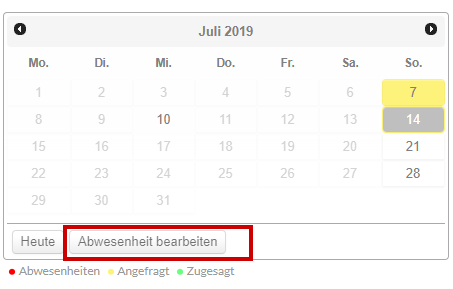
A dialog box opens where you can enter general and very specific absences for yourself and (depending on your permissions) for others:
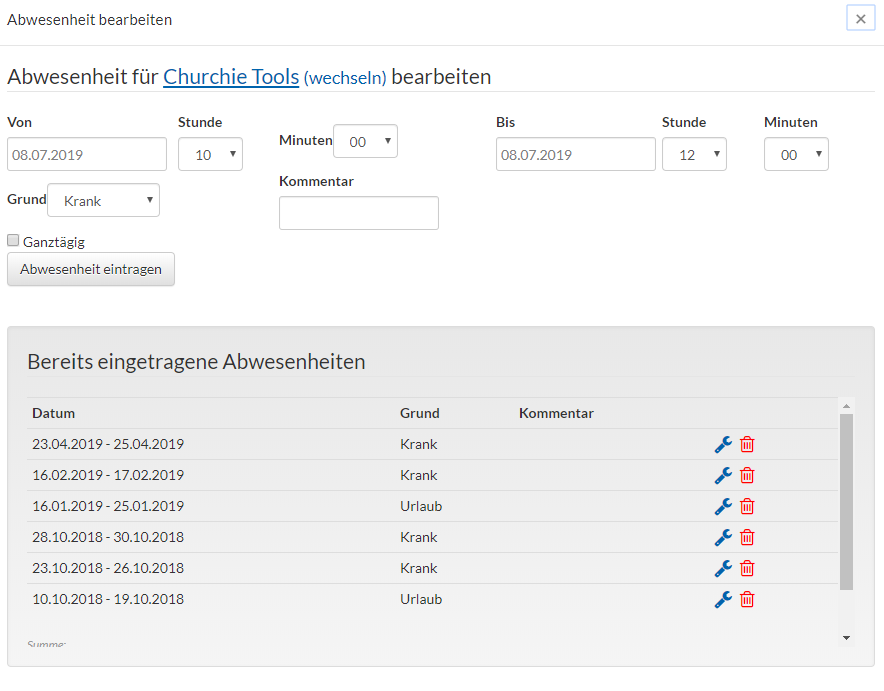
For more help with this, see the Absences page.
Enter Your Personal Preferences #
You have the option to enter your role preferences—such as how often and in what team configurations you would like to work.
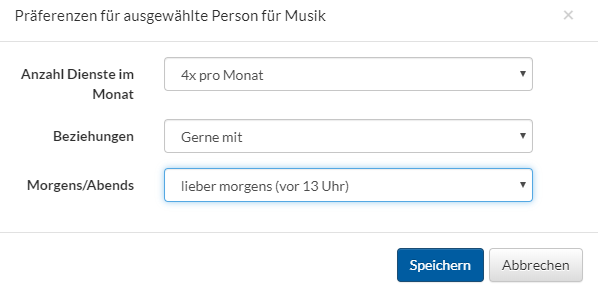
You can find out where this feature is located here.
Responses to Service Requests #
To receive service requests via e-mail and the app, the group leader must have enabled these service requests. All related settings are explained here.
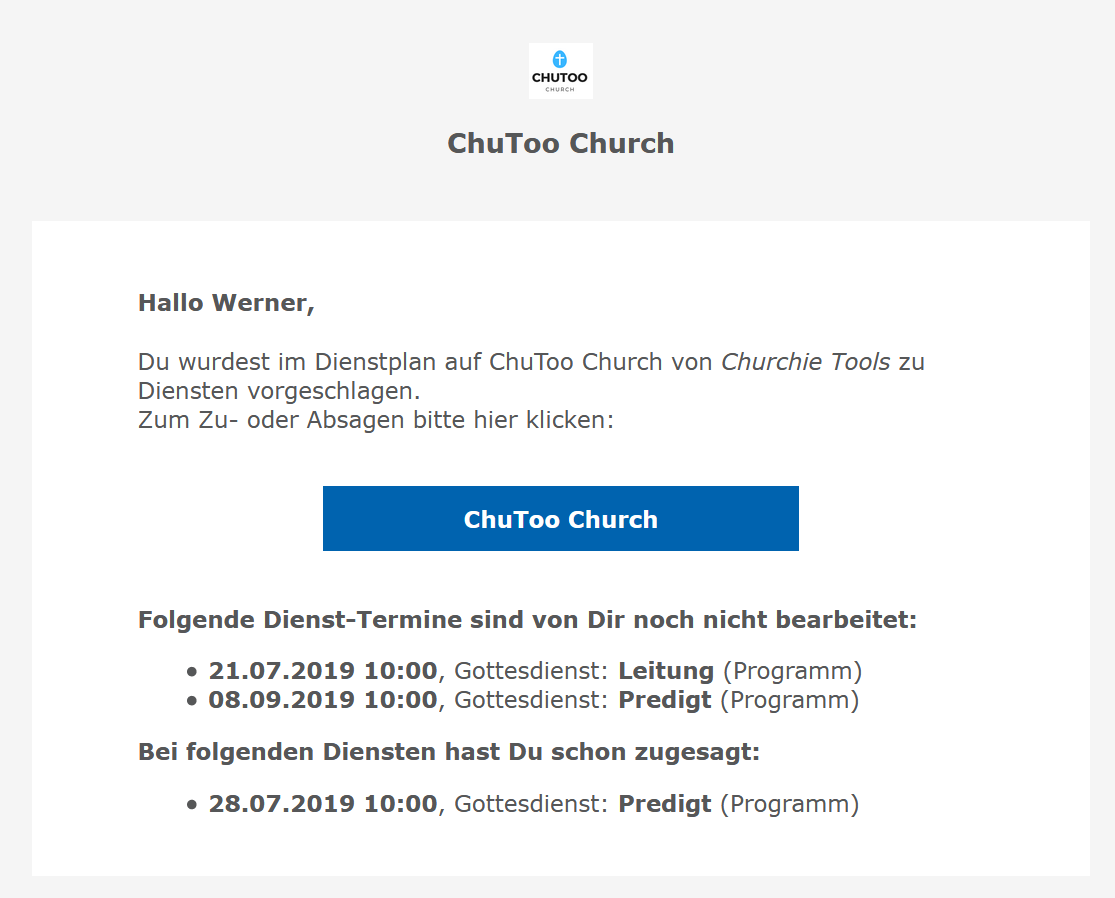
When a manager adds an employee, the employee receives notifications:
By e-mail:
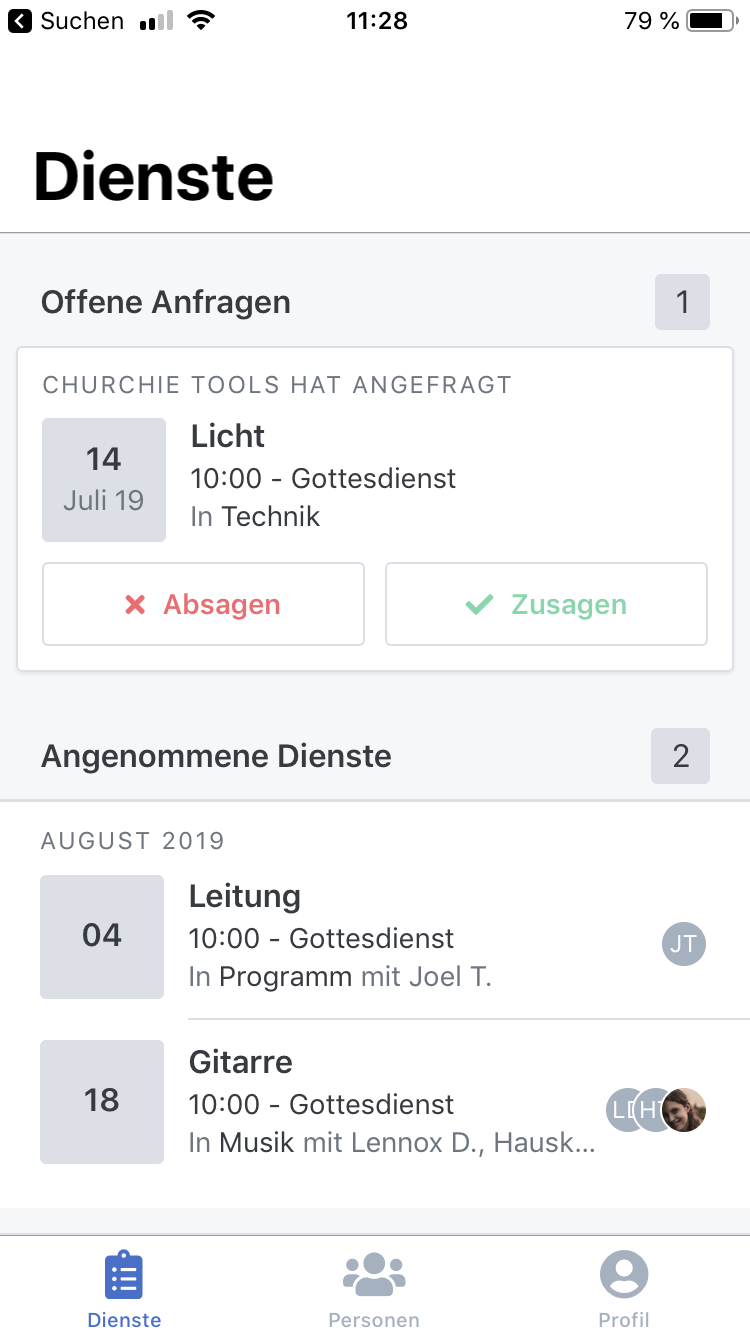
Via the app:
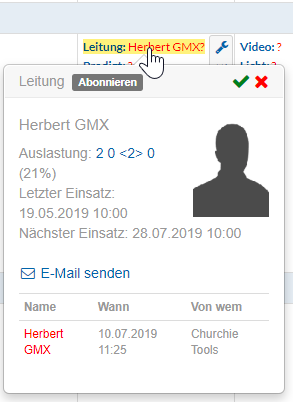
In the Events module:
On the Home page:
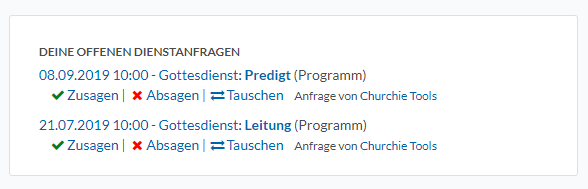
You have the option anywhere to accept roles, cancel them (with or without a reason), or even swap roles.