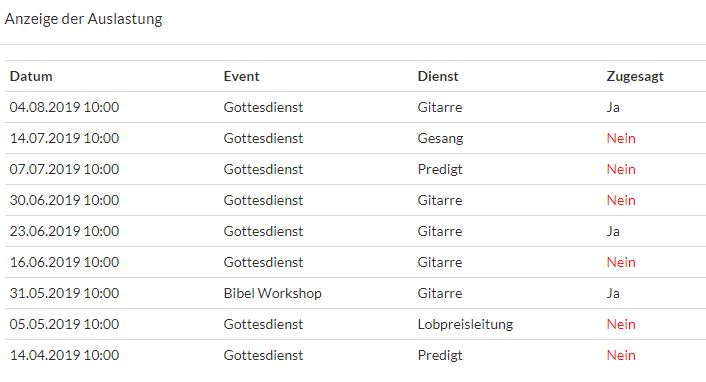


Workload is calculated for each employee and displayed in various locations.
This statistic is also used for automatic scheduling via the “Magic Wand.”
General Statistics #
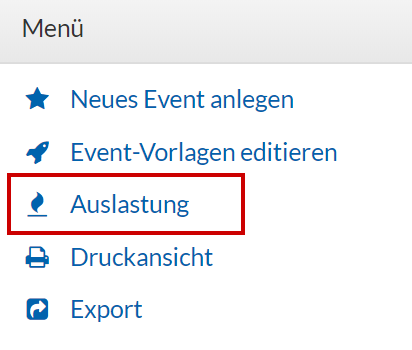
You can view general statistics in the menu
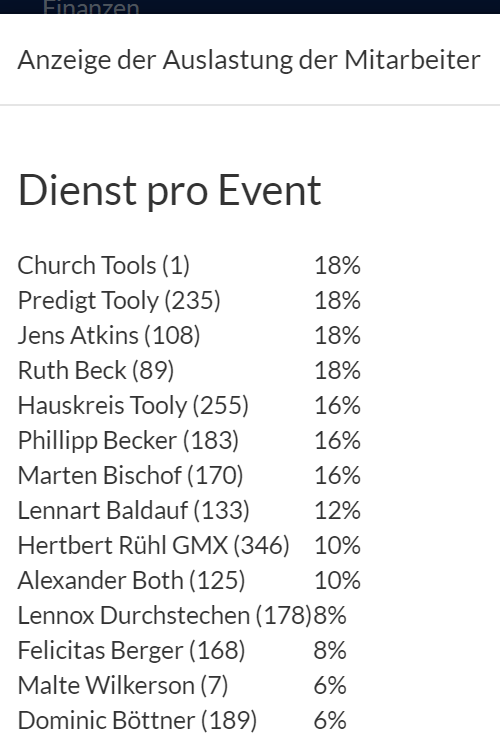
The most active people, along with their workload, are listed here:
Details for Each Employee #
When you hover your mouse over an assigned employee, an overview appears immediately, including their workload.
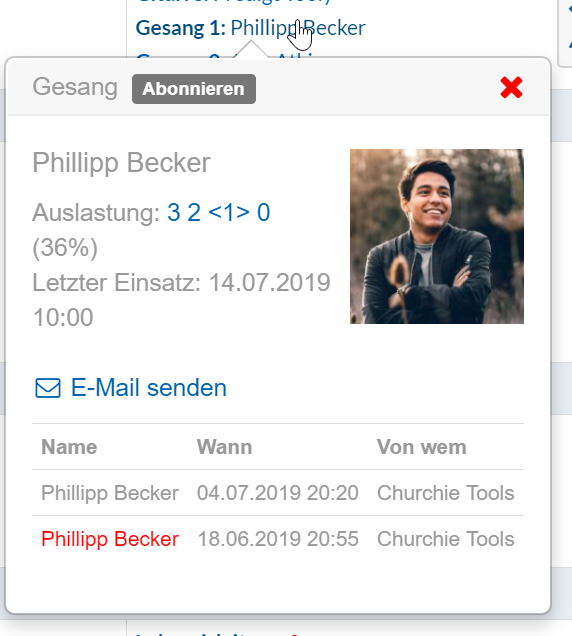
This information is also visible when you want to assign someone or make a request:
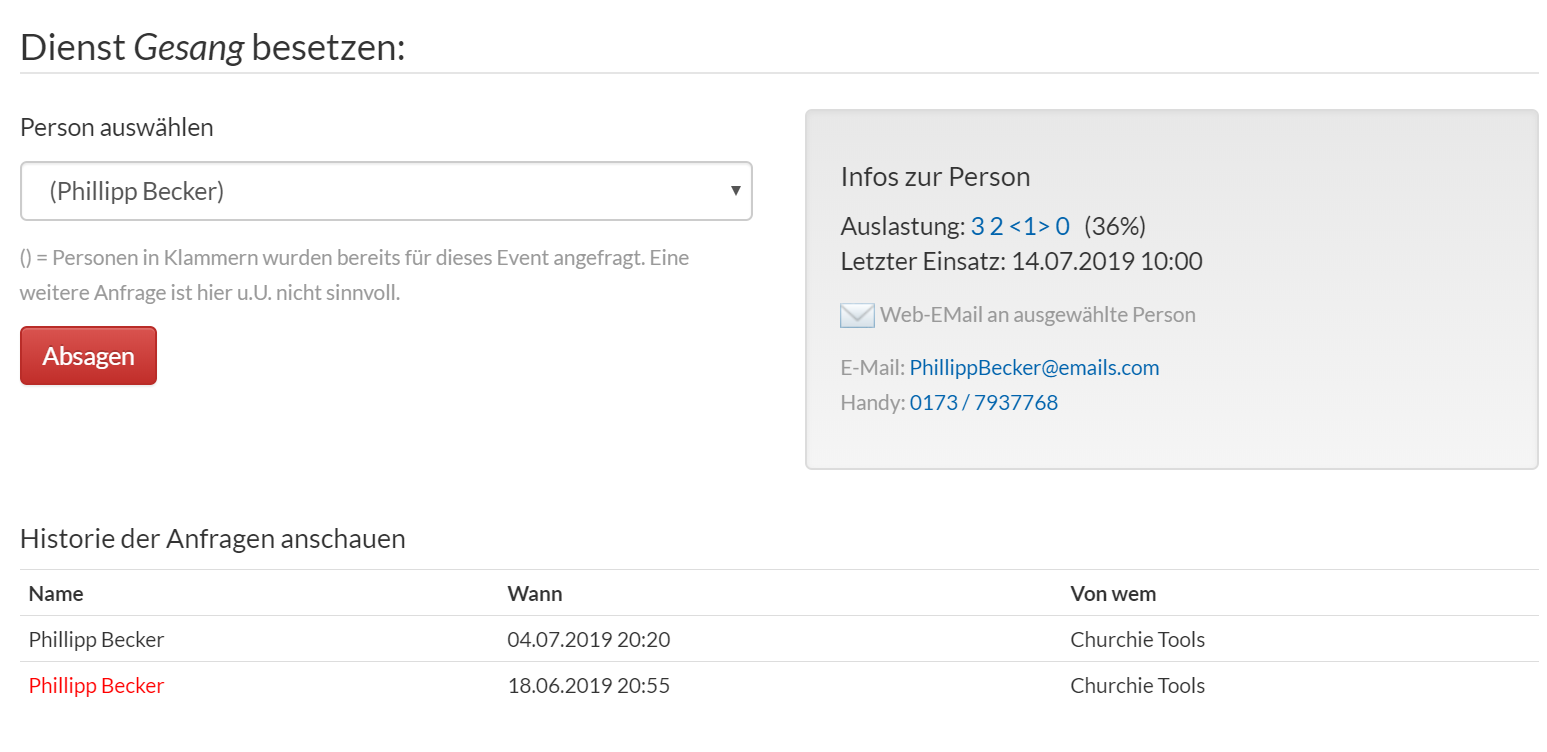
The workload display using a formula is helpful for getting an overview of a person’s workload. The “formula” itself can be broken down as follows:
3 | 1 | <1> | 0 | 30% |
Dienste vor zwei Monaten | Dienste letzer Monat | Aktueller Monat | Nächster Monat | Wie oft ist er prozentual zu seinen sichtbaren Terminen eingetragen? |
You can view a detailed overview by clicking on the formula