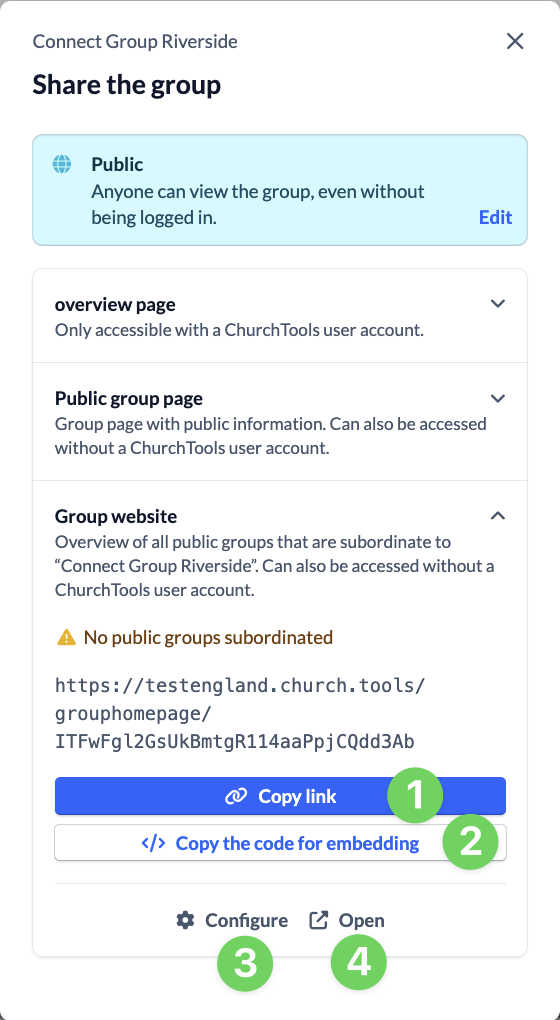
You can quickly and easily access all relevant links to the group and make the associated settings via the share dialog of a group on the web.
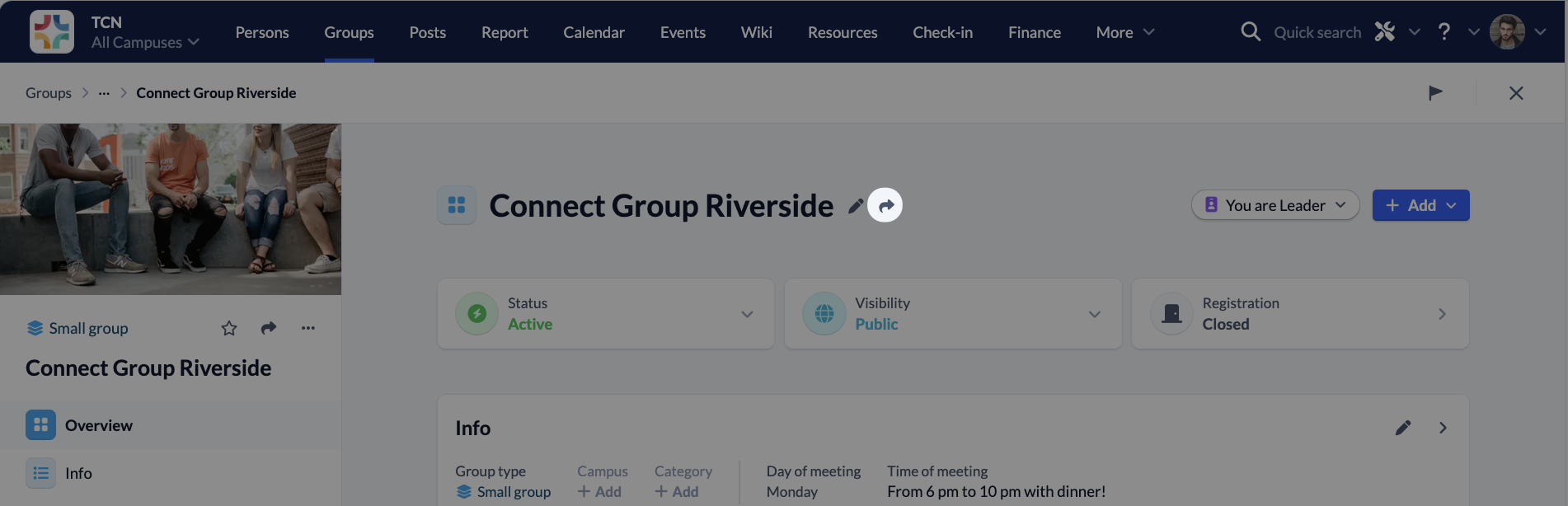
You can call up the share dialog via the button next to the group title.
Information on group visibility #
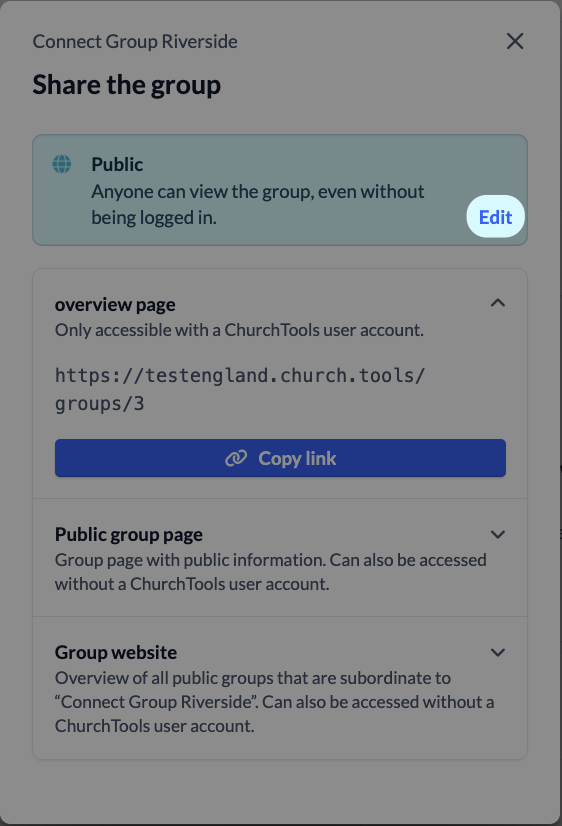
You can change the visibility of your group by clicking on Edit.
Link to the overview page #
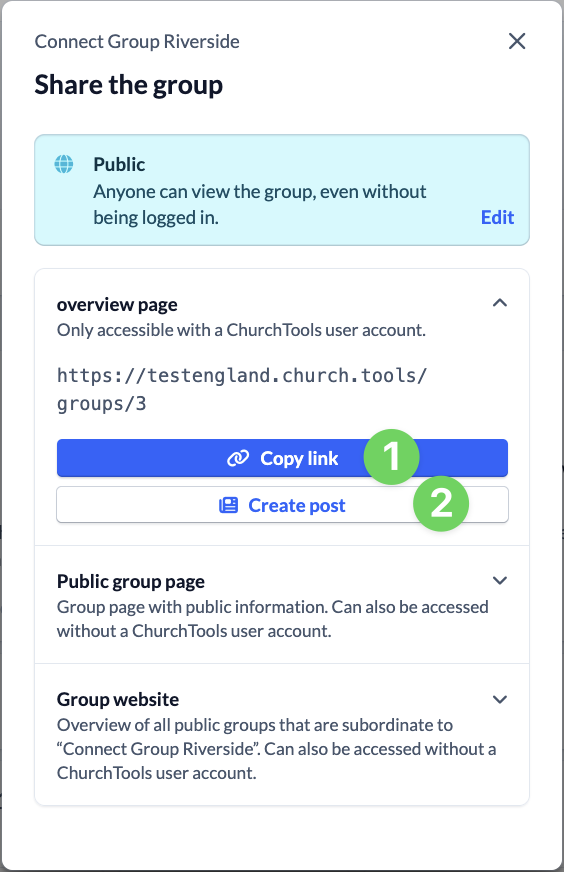
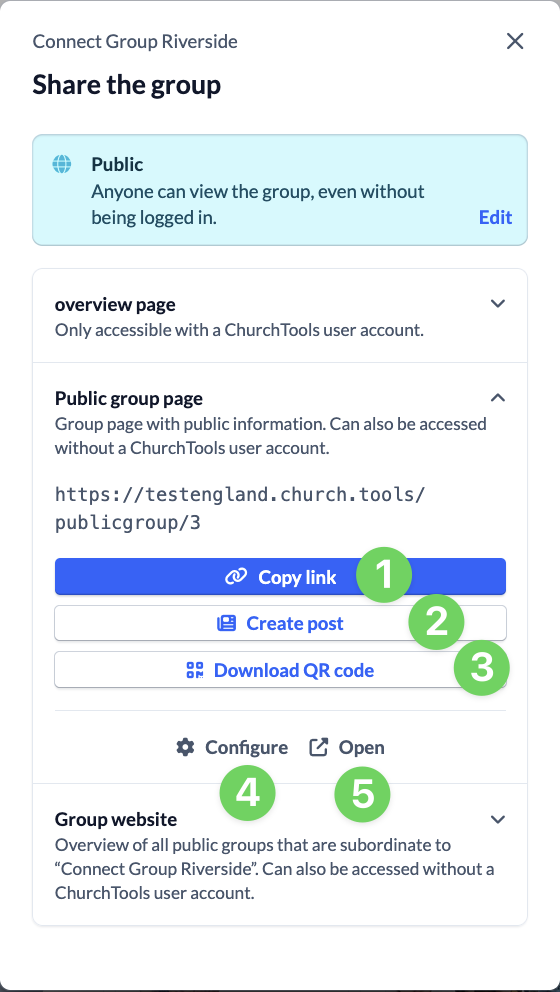
You can retrieve the link to the group page (1) in ChurchTools and create a new post (2) with the link already inserted.
Link to the public group page #
You can access the link to the public group page (1), create a post with it (2) or download the QR code (3) for it.
You can also quickly navigate to the settings (4) for the public group page or open the page directly (5).
Link to the group homepage #
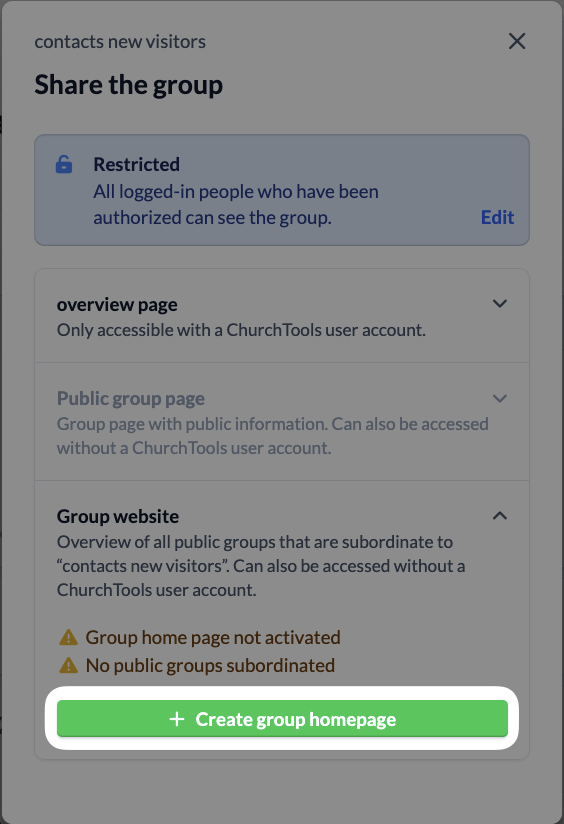
If you have not yet created a group homepage for your group, you can do so here.
If a group homepage already exists, you can copy the link (1) or the code for embedding (2) here.
You can also quickly navigate to the settings (3) for the group homepage or open the page directly (4).