


When employees cancel a role without arranging for a replacement, it creates extra work for the manager. With the “Swap” button, this task can be delegated to employees, and roles can be filled more quickly by a suitable person. If someone is unable to work a role, they can now use the “Swap” button to swap their role with another person.
Requirements #
There is no specific permission required for the “Swap” button. Whether it appears or not depends on two factors:
1. Swapping is allowed #
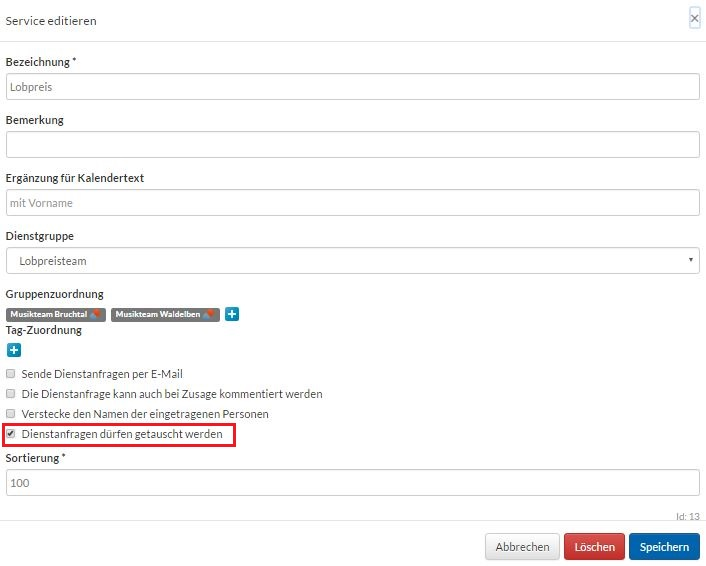
For events, the exchange must be permitted for the respective role. This means that in the module’s master data, you must click the wrench icon for a role and then, in the “Edit Role ” window, check the box next to “Service requests may be exchanged.”
2. Swap Partners Available #
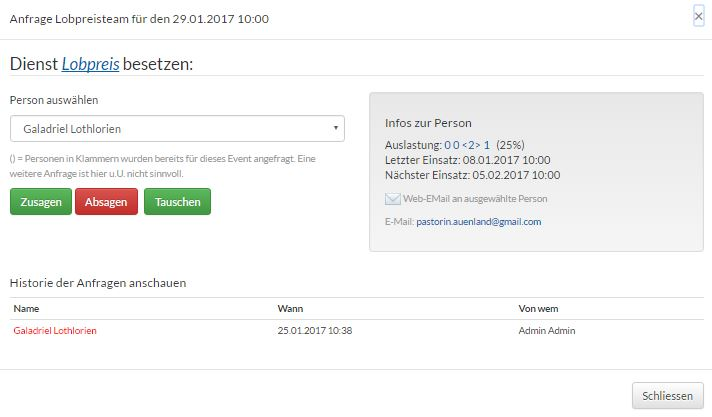
The “Swap” button appears as soon as there are potential swap partners for the current role. Example: People have already been assigned to the “Worship” role for future dates. Therefore, the “Confirm,” “Decline,” and “Swap” buttons appear next to the respective role.
Make a trade request #
When you click the “Exchange” button in a role, a list of all the people you can exchange with will appear.
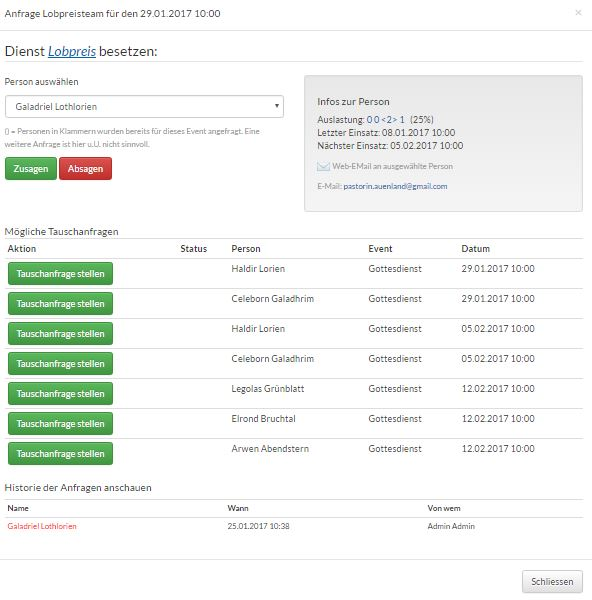
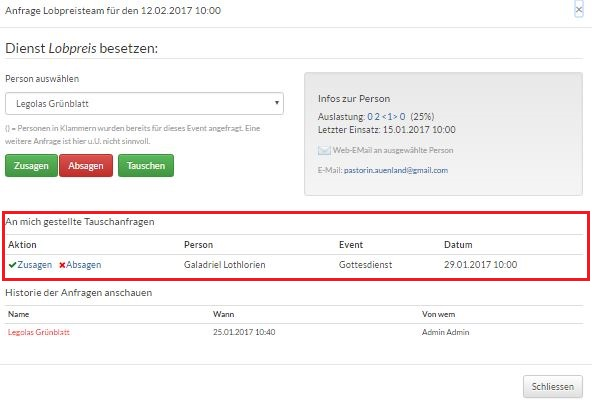
By clicking ” Submit Exchange Request,” you can send a request to one or more people. The exchange partner will then receive a notification on the Home page about their pending exchange requests. They can accept or decline these requests.
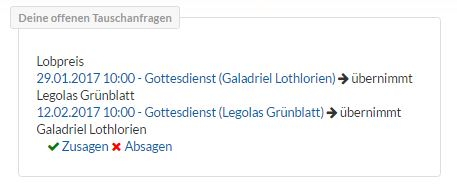
A notification about the exchange request also appears in Events.
E-mail Notifications #
The following e-mails are sent:
1. A trade is requested (the following trade icon appears in Events:)

2. Exchange request was declined
3. Exchange request was accepted (in Events, the participants’ names are swapped and marked as confirmed)
4. Exchange request was canceled
In the event of a rejection or cancellation, the exchange process starts over from the beginning. Anyone who has already been requested and has declined will be displayed again under “Status” in “Submit Exchange Request.”