Pages contain the actual content of your wiki and are always assigned to a category. This keeps your wiki organized and makes it easy to find information quickly.
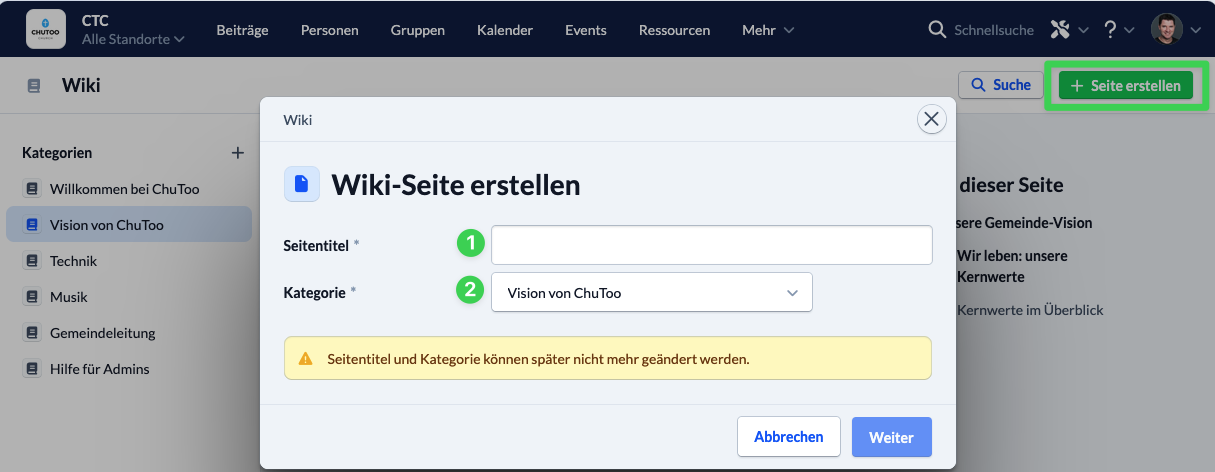
To create a new page, click ” Create Page ” in the upper-right corner. A window will then open with the following settings:
- Title: Enter a descriptive name for your new page. Important: The title cannot be changed later.
- Category: Select the category in which the page should be created.
After saving by clicking “Next,” the page is automatically assigned to the selected category and can be populated with content right away.