Categories form the basic framework of your wiki. You can think of them as a cabinet where information is organized in a clear and orderly manner.
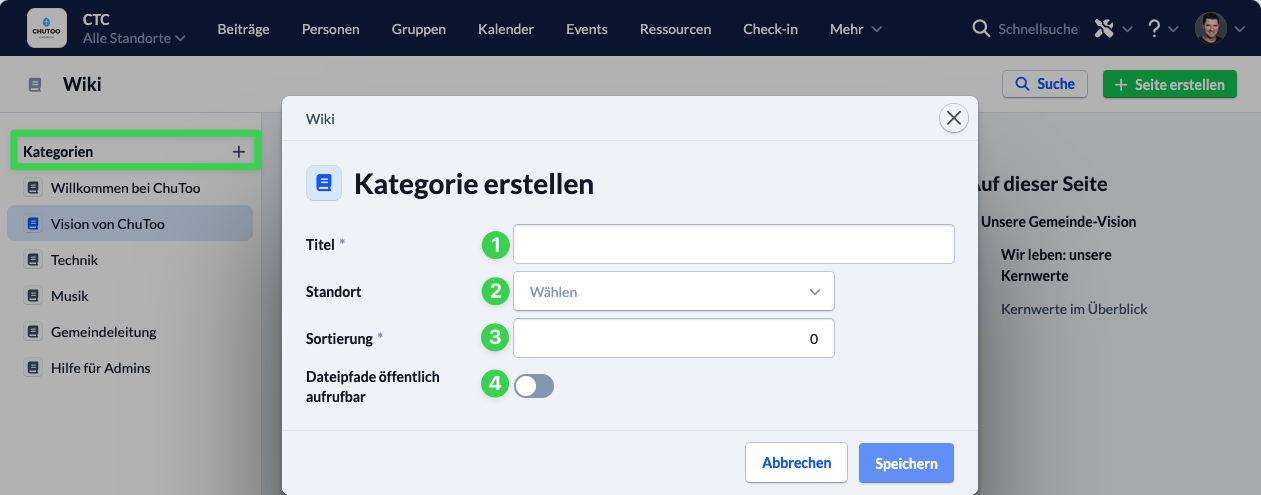
To create a new category, click the + next to ” Categories.” A window will then open with the following settings:
- Title: Enter a name for the category.
- Campus: Specify the campus to which the category should be assigned. (This field is optional.)
- Sort Order: Specify the order in which the category appears in the left-hand menu.
- Publicly Accessible: Decide whether a category can be publicly embedded or not.