


If you have connected another system to your ChurchTools, you create one or more jobs for this connection, which you configure so that only the data with the properties you have selected (e.g. first/last name, age, …) are synchronized.
In an order, you define what exactly is to be synchronized and for whom. You do this by
- Selecting actions (e.g. importing people),
- filtering (e.g. pastors) and
- Selecting properties (e.g. first name and surname).
If you create several orders, you can synchronize the systems with different actions, filters and properties.
1. call up connection and add order #
Use the +Add sync job button to create a new task and give it a name.
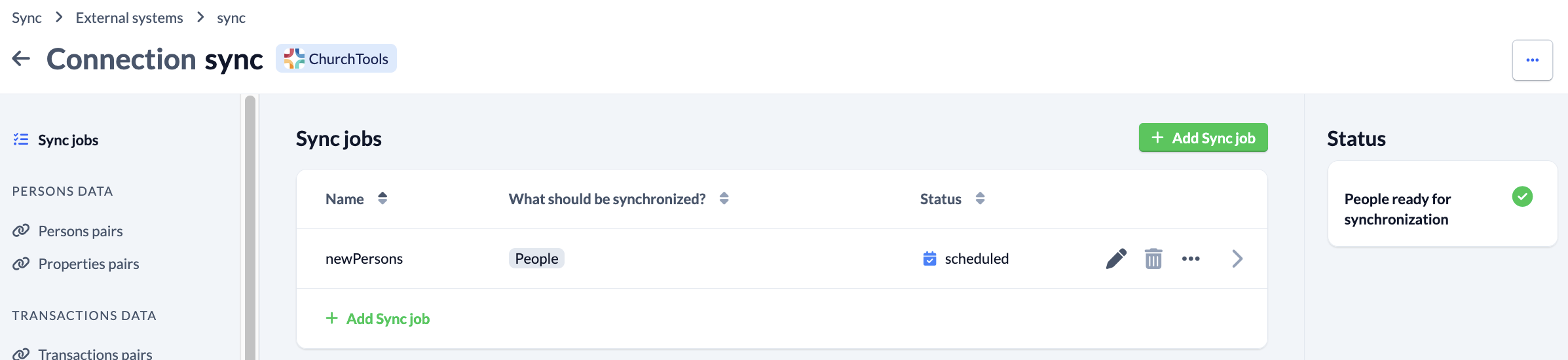
2. add and save order #
You then select whether you want to synchronize persons, transactions, accounts, cost centers, account groups, classes of account or account types with this order:
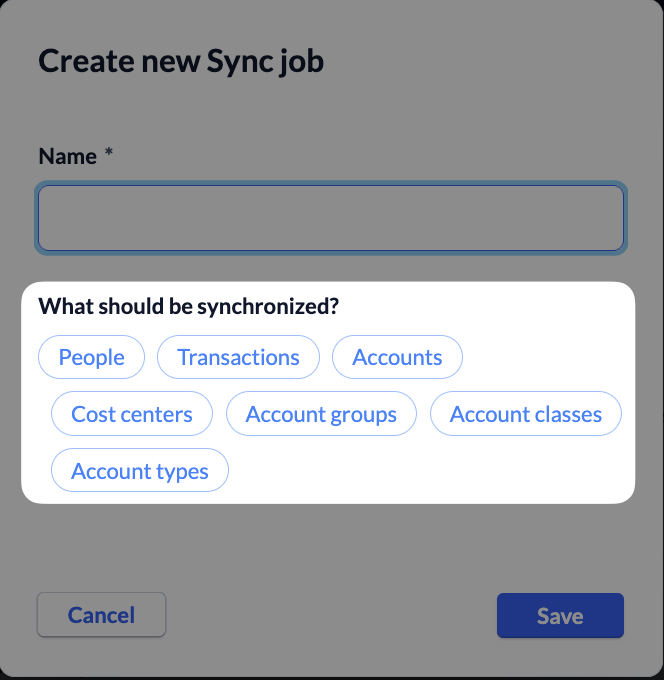
When you save, the new order is added and you will see an overview of the order.
You then configure your job and specify what is to be synchronized and for whom. We explain how to do this here.