


In this article, we will show you how to use Automatic Membership to collect the participants of a specific seminar or course type and keep the status up to date. You can then keep an eye on people in this group and plan further measures to support them.
1. Select group #
Call up an existing group in which you would like to summarize the seminar participants or create a new group “Example seminar completed”.
2. Call up settings for automatic membership #
In the settings for this group, you can access the settings for automatic membership.
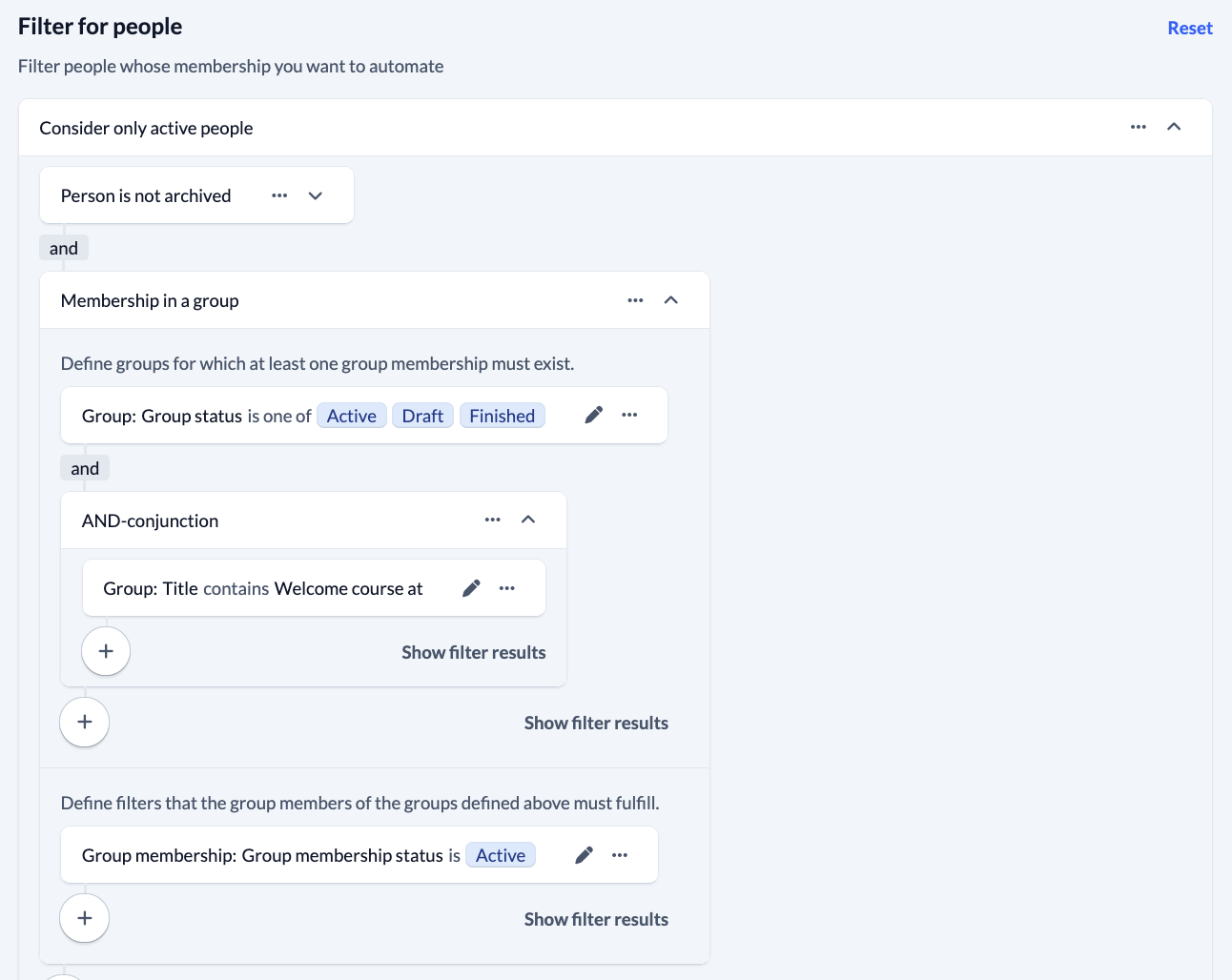
3. Set personal filter #
Use the plus symbol to add filters to the group membership. You select these as follows:
4. Set actions #
This is how you set the actions:

5. Activate execution #
Finally, you either execute the actions you have defined once manually or you activate automatic execution, which then always runs when the scheduled tasks are executed.
