


To obtain a chart of accounts file in a format that ChurchTools can read, you can download an import template from ChurchTools Finances, which you can use as a basis for importing your data.
1. Download the account import template #
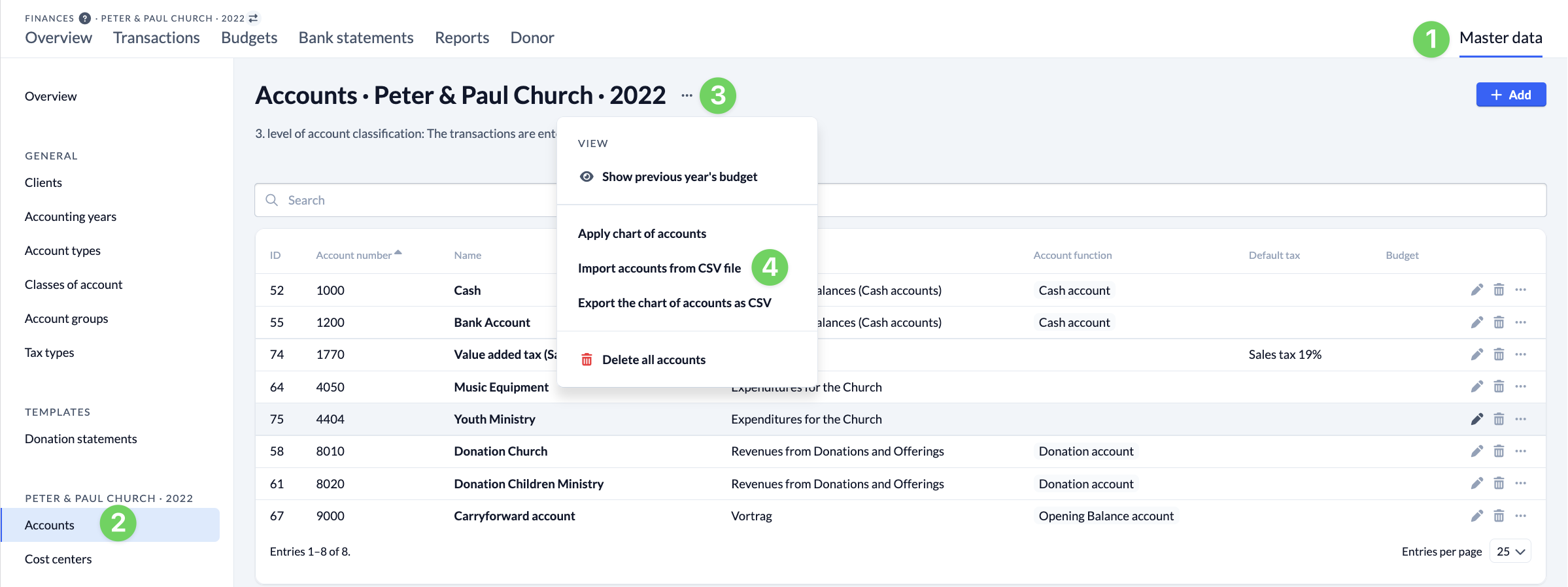
In ChurchTools, navigate to the Finances module. Open Accounts (2) in Master Data (1). From the context menu (3), select Import Accounts from CSV File (4).
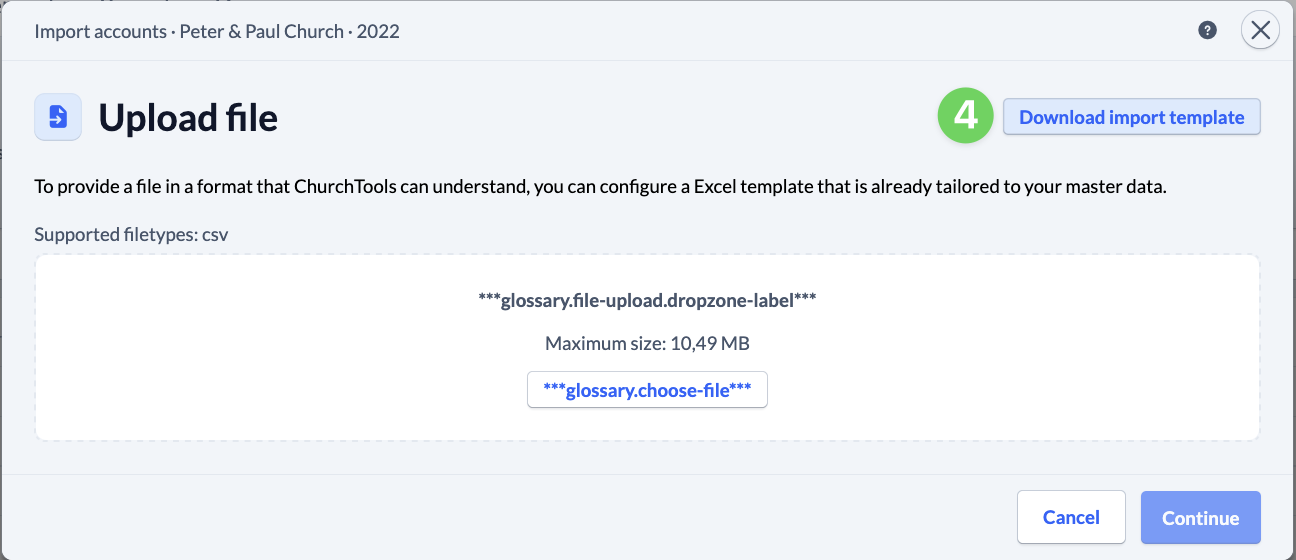
Here, you can download an import template (5) that is tailored to the general master data that has already been created.
2. Customize the account import template #
Copy all the data from your export file, paste it into the account import template, and customize it to suit your needs.
3. Save the import file #
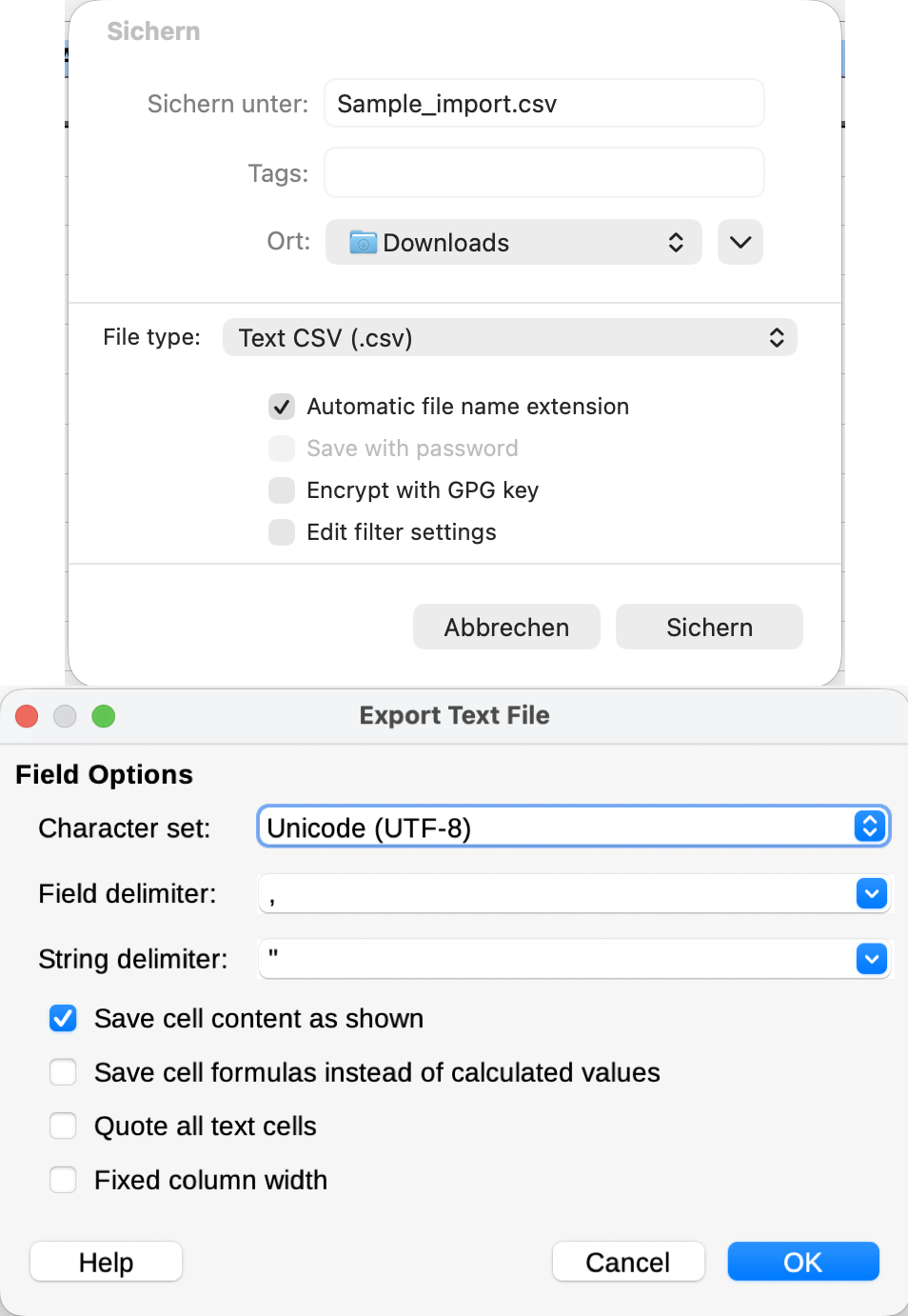
Save your customized chart of accounts file by selecting File > Save As… in CSV UTF-8 (comma-separated values) format as a CSV file.
To learn how to import your chart of accounts into ChurchTools, see our guide “How to import account data from a file?”