


Agenda templates can be incredibly helpful, for example, for your Sunday services or other recurring events.
This way, you can ensure that these events always follow the same basic Agenda, even though the details can, of course, be adjusted for each event as needed.
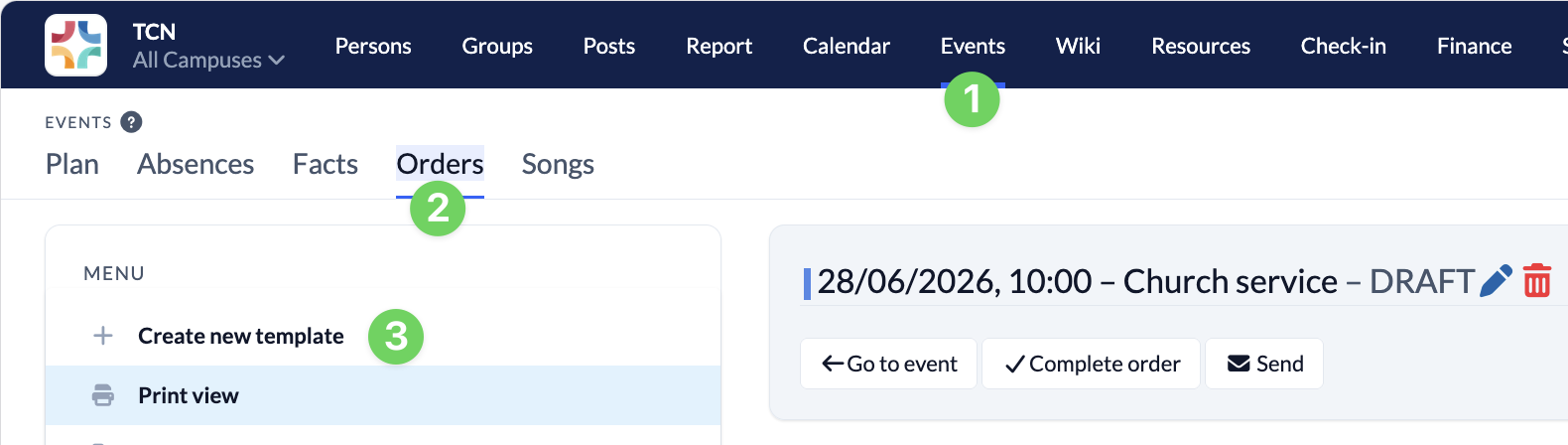
To create a new agenda template, go to the Events module (1), select the Oders tab (2), and choose Create new template (3).
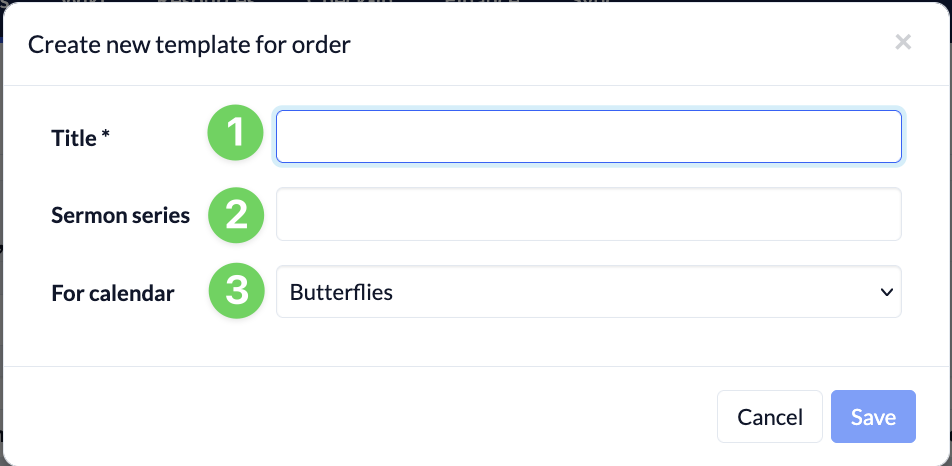
Next, (1) name your template, select the calendar (3) for which it will be used, and, if necessary, specify the sermon series (2) to which the template belongs.
Now you can fill out the template by editing the Agenda.
You can find out how to edit the Agenda—that is, how to add program items and columns— here.