1. Open the embed calendar dialog window #
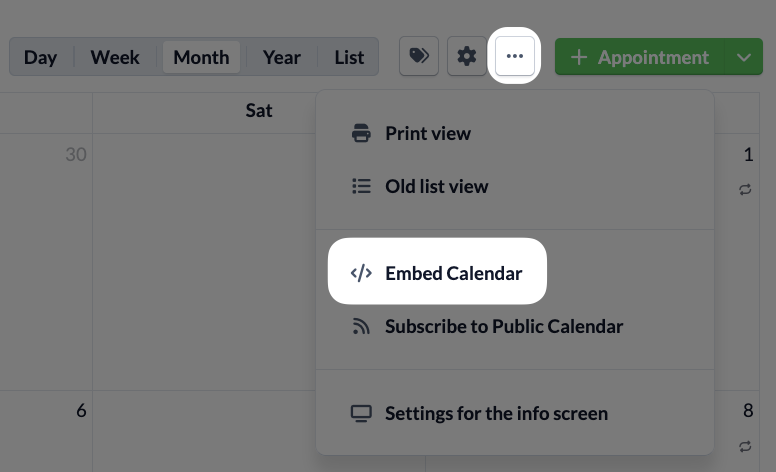
Click on the …-menu and here on Embed Calendar .
2. Select calendar #
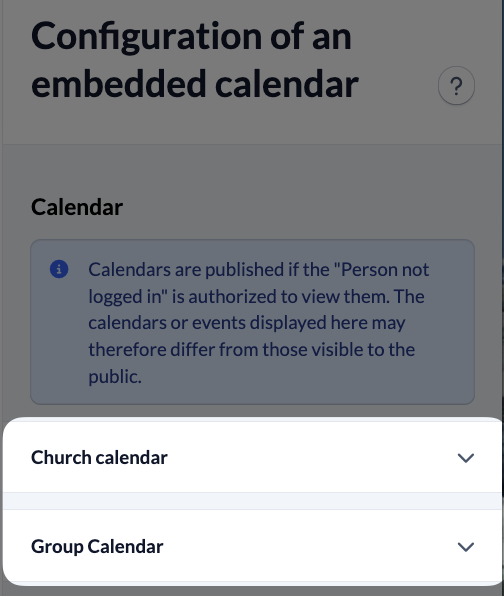
Select all the calendars you want to display on your website from your congregation and group calendars .
Note
It only makes sense to include calendars on a website that are publicly visible (without ChurchTools Website Login). These are all calendars “Person not logged in” has access.
3. Set Display #
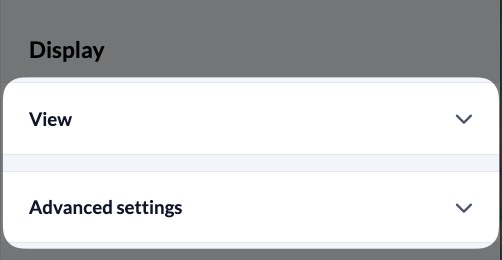
You can modify the view and the calendar information to be displayed directly in the settings dialog box on ChurchTools or using URL parameters and CSS classes .
4. Embed calendar #
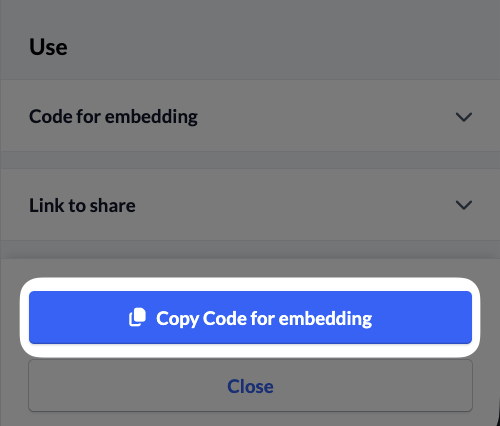
Finally, copy the iFrame code and paste it into your website.
Note
iFrames always have a fixed size that does not automatically adapt to the content. To enable automatic resizing of the iFrame to the content, ChurchTools uses an iFrame Resizer here .