ChurchTools lets you automatically populate the titles of calendar events with information from the Events module. For example, you can automatically display who will be preaching at the next worship service.
If calendar events are automatically synced to your website, these notes are also automatically transferred and, by default, displayed in the event title on overview pages. Here’s how you can customize how these notes are displayed.
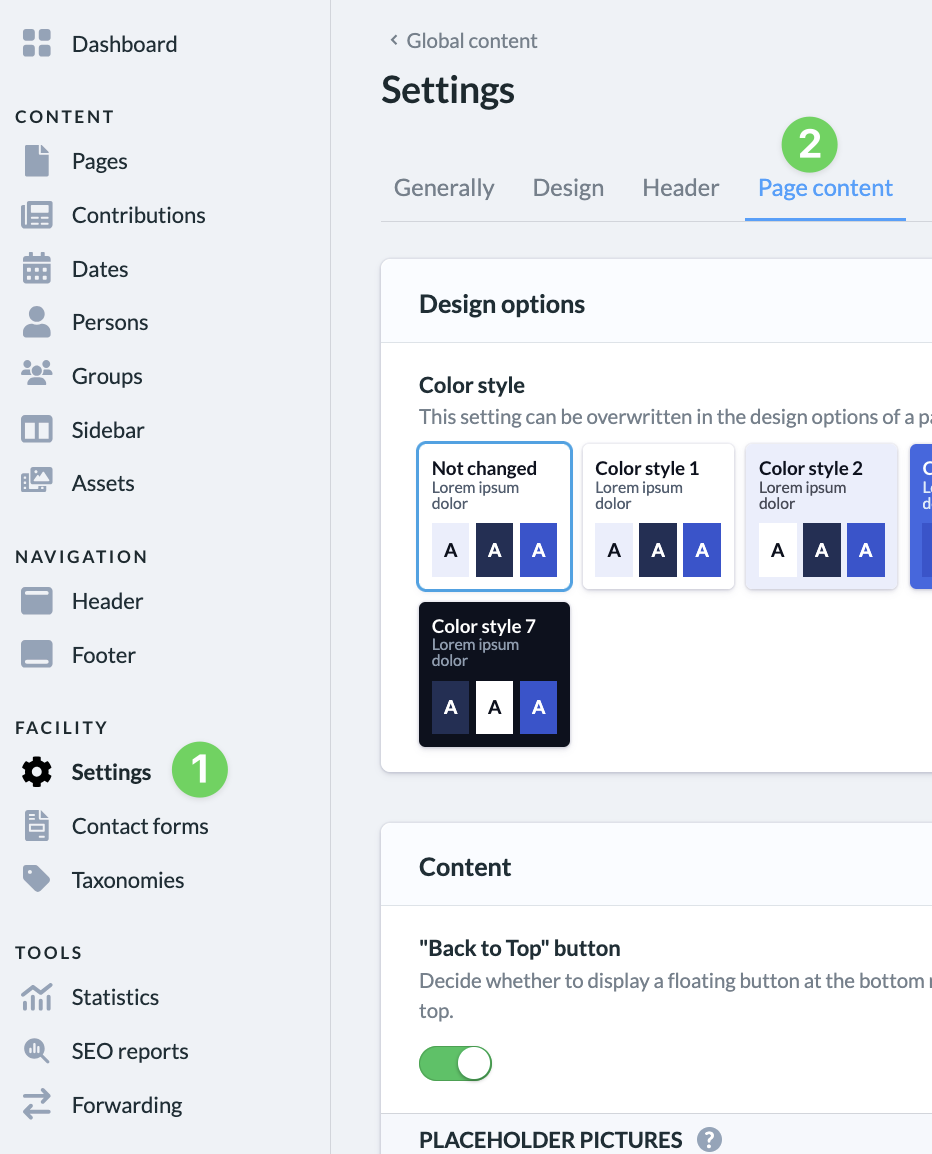
To do this, go to the admin area of your website, click on ” Settings ” (1), and then select ” Page Content ” (2).
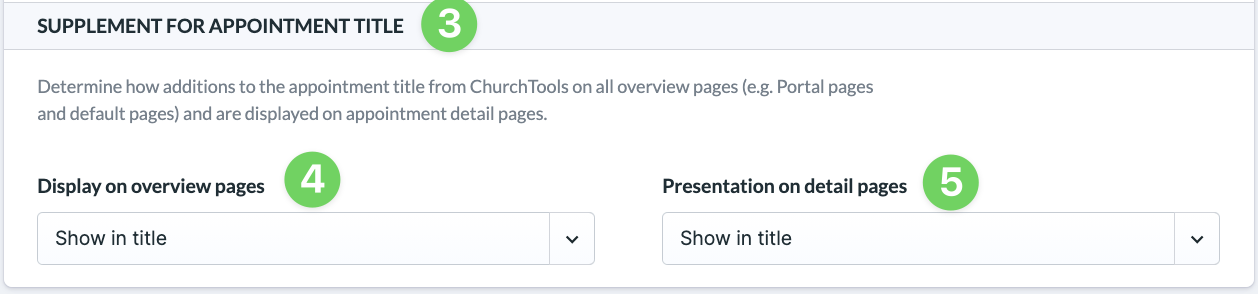
Under ” Additional Settings for Event Titles ” (3), you can customize the display for overview pages (4) and detail pages (5).