Groups contain multiple sidebar elements in an order that you specify.
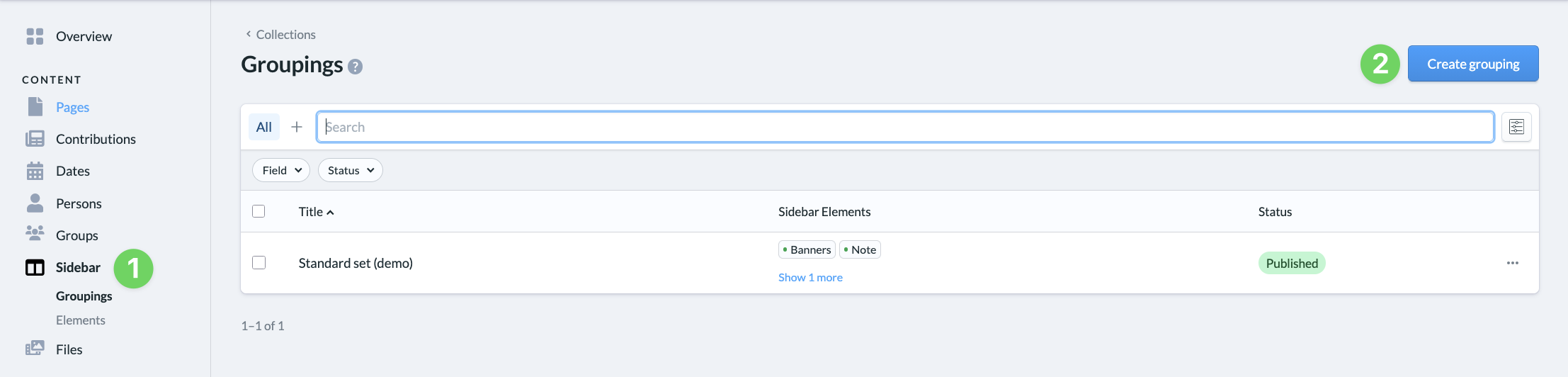
On the left side of the admin area, click ” Groupings ” (1) in the sidebar . Here, you’ll see a list of all existing groupings.
Create a Group #
To create a new group, click the “Create Group ” button (2) in the upper-right corner. To edit an existing group, click on the existing group. In both cases, the same editing window will open.
Edit Grouping #
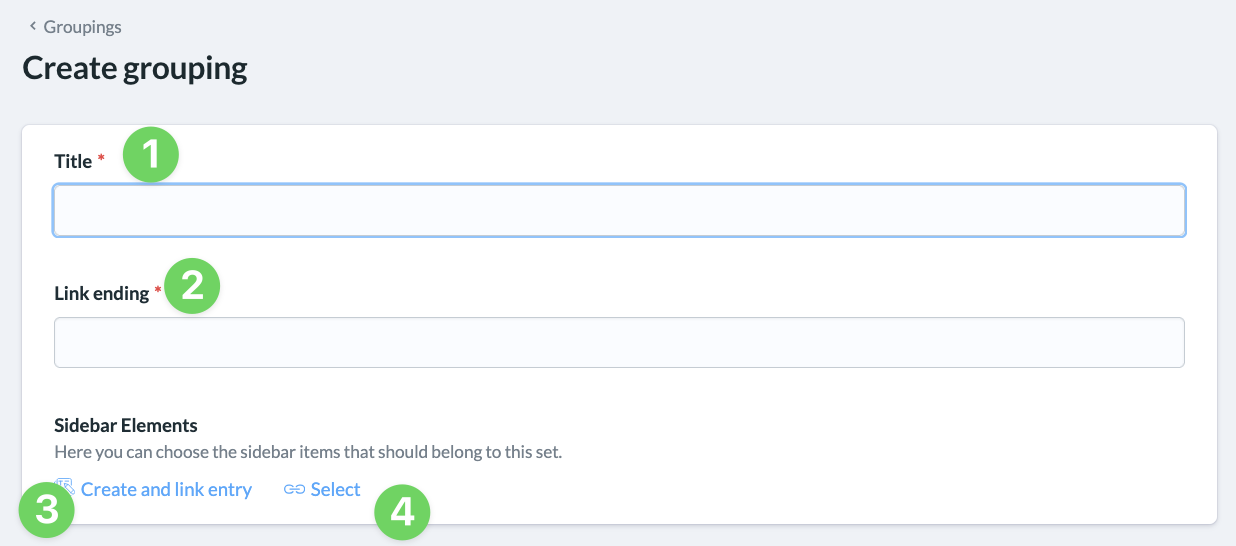
In the editing window, give the group a title (1) that will help you find it later.
You can also customize the link suffix (2) here.
Under “Sidebar Elements,” you can create new elements and link them to the group (3) or select existing elements (4) that you want to assign to the group.
Save and publish grouping #
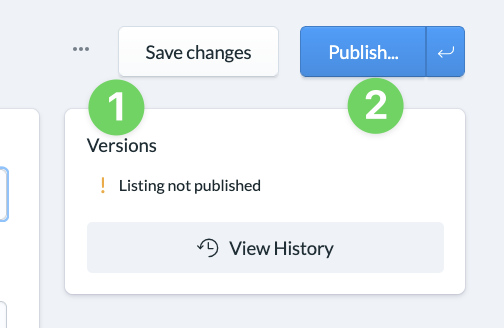
When you save (1) a grouping, it is not yet published but is saved with the status ” Draft.”
If you’re satisfied and would like to actually publish it, click ” Publish ” (2) in the same spot.