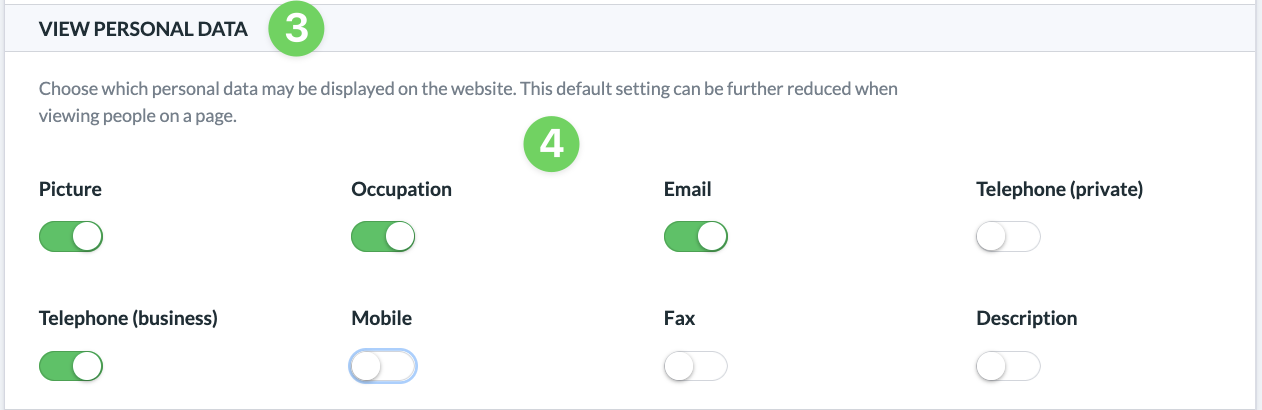
By default, you can configure your ChurchTools Website to specify which personal data from imported or manually created individuals may be displayed.
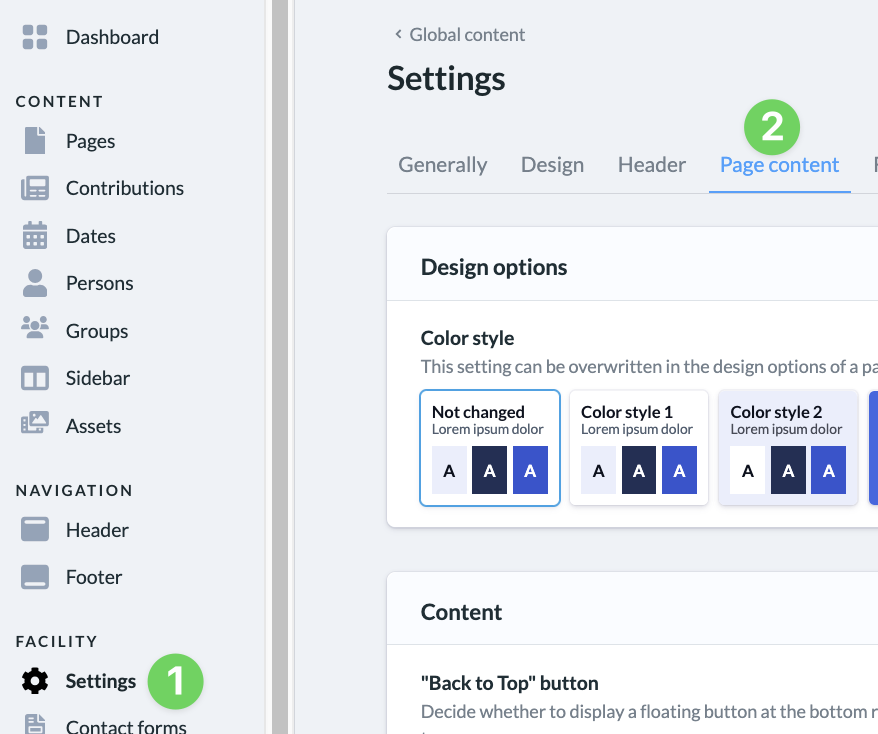
To do this, go to the admin area, click on ” Settings ” (1), and then select ” Page Content ” (2).
Under ” Show Personal Data ” (3), you can specify for each piece of data (4) whether it should be displayed on your website by default.