Your website’s navigation consists of navigation elements or pages that allow visitors to your website to quickly and easily navigate to the content. You can use the selected entries to guide them.
Pure navigation elements are not pages; rather, they form, for example, a dropdown menu or provide links to internal or external content.
Pages are the actual content of your website that you offer directly in the navigation menu.
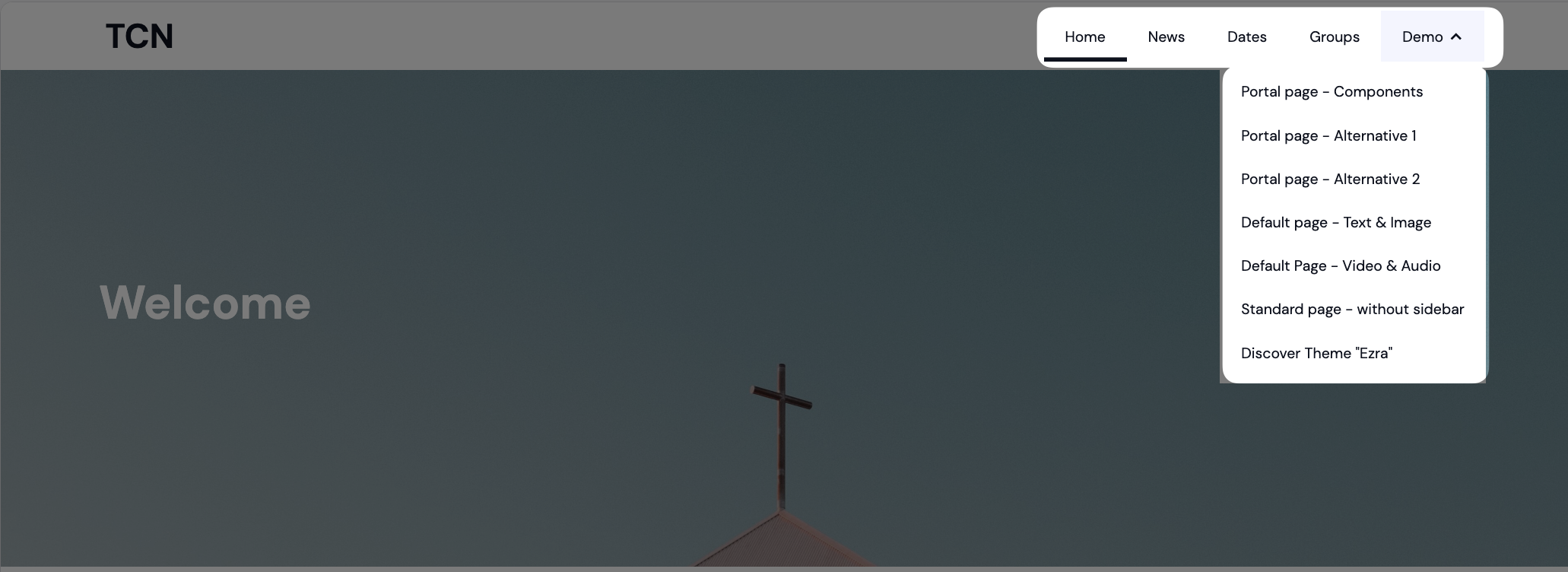
In the header, the light-colored elements and pages shown in the screenshot make up the main navigation. The logo, which is also displayed in the header, is not part of your website’s navigation.
You can configure the logo and buttons —which are additional header elements—in the settings under” Header.”
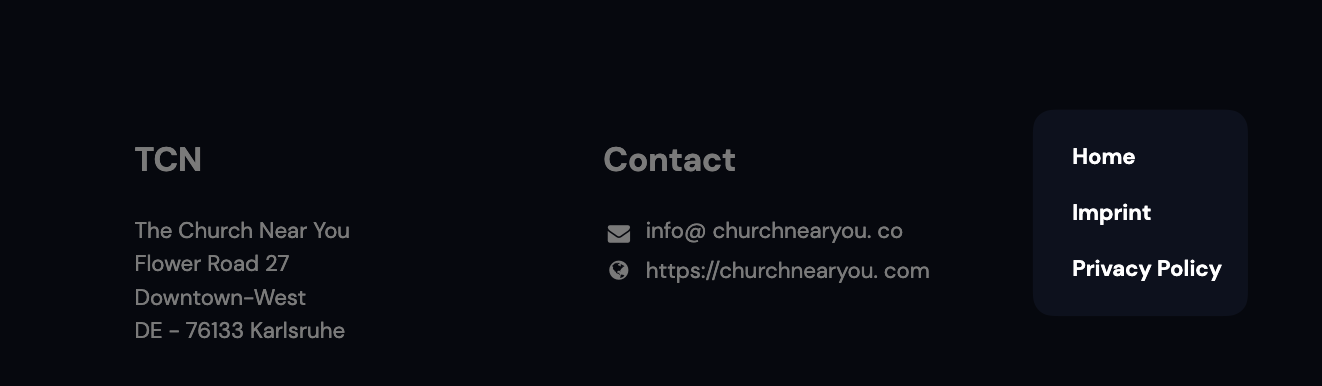
In the footer, the light-colored elements and pages shown on the right side of this screenshot are part of the navigation. Depending on the footer layout you choose, the links may be located elsewhere.
The additional information displayed here is not part of your website’s navigation. You can configure it in the settings under” Footer.”