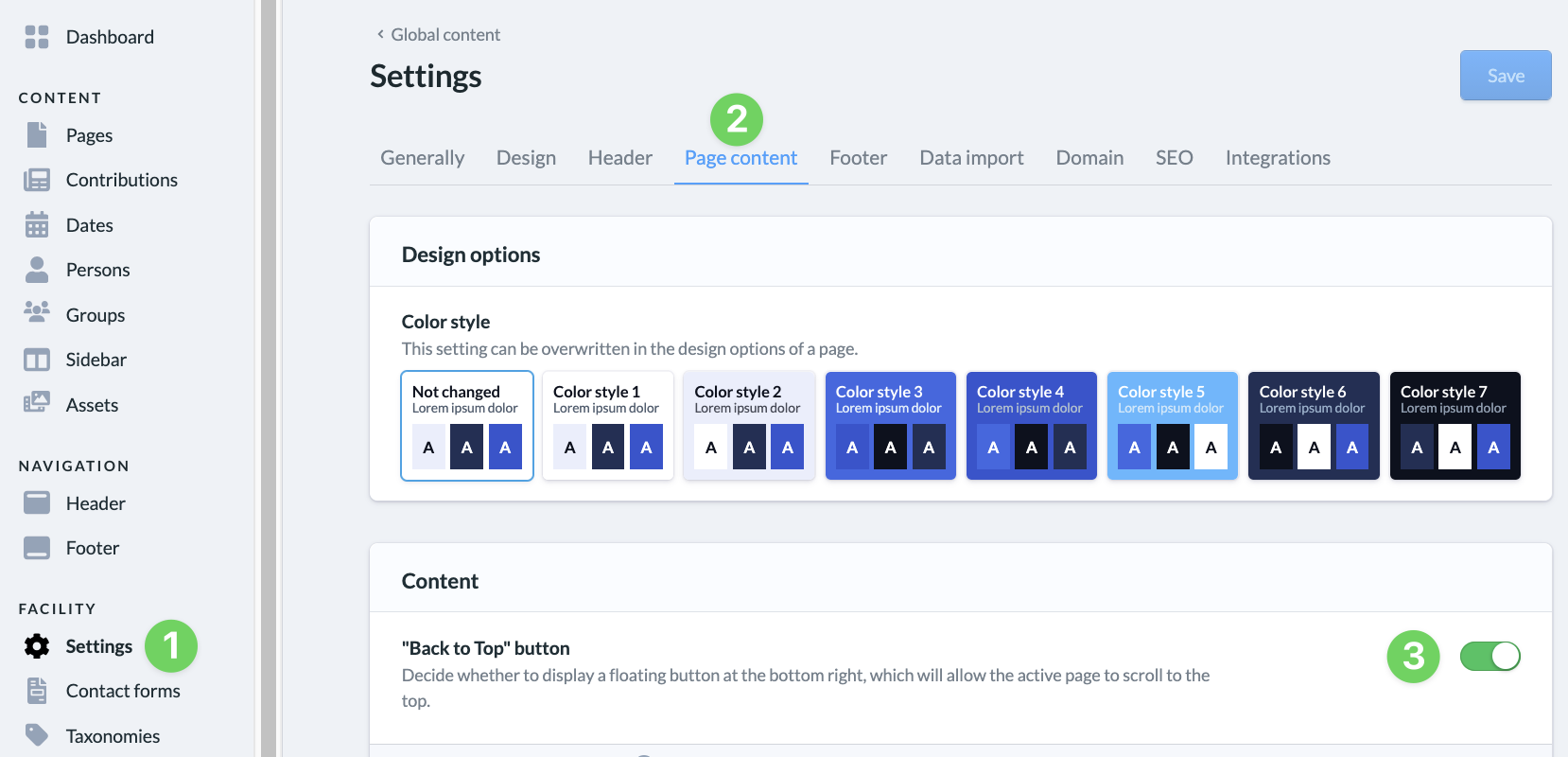
The ChurchTools Website lets you display a floating button in the lower-right corner of all your pages that scrolls the current page back to the top.
To do this, go to the admin area and select “Settings ” (1), then ” Page Content ” (2). Here, use the slider under “Show ‘Back to Top’ button” (3) to enable the buttons for all your web pages.