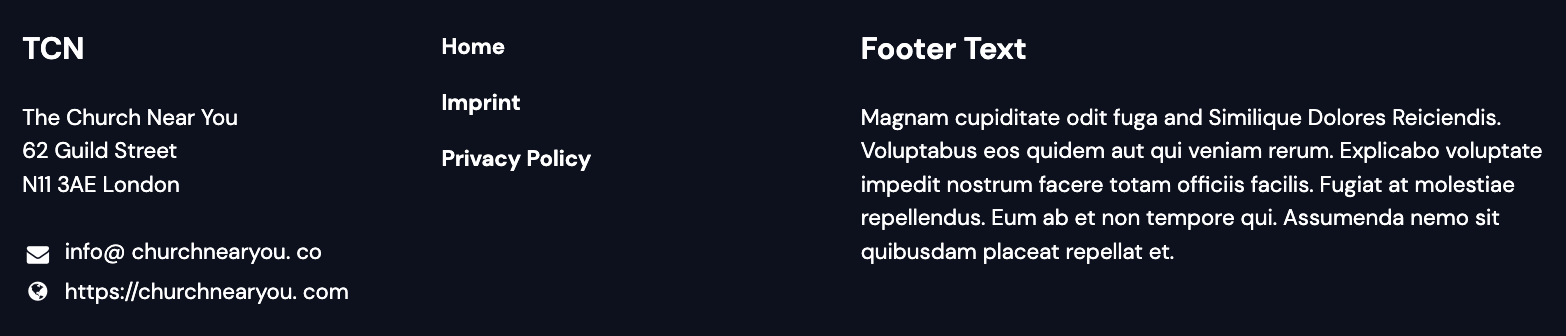
On the ChurchTools Website, you can customize both the footer and the header to suit your congregation’s needs. You decide how they should look and what content should be displayed.
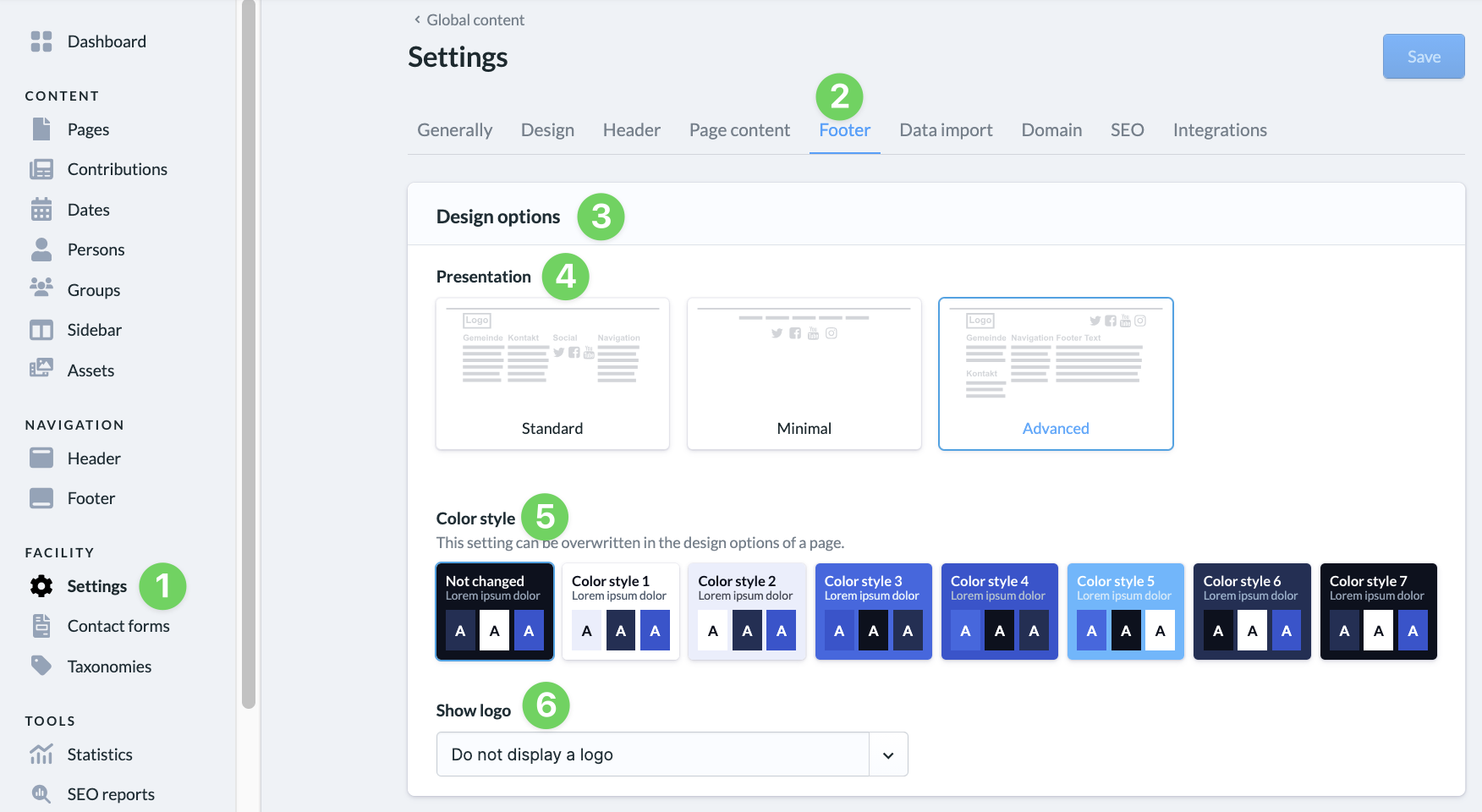
In your website’s admin area, go to Settings (1) and select Footer (2).
Here, under ” Design Options ” (3), you can specify how the footer (4) should look, set the color scheme (5), and choose whether or not to display the logo (6).
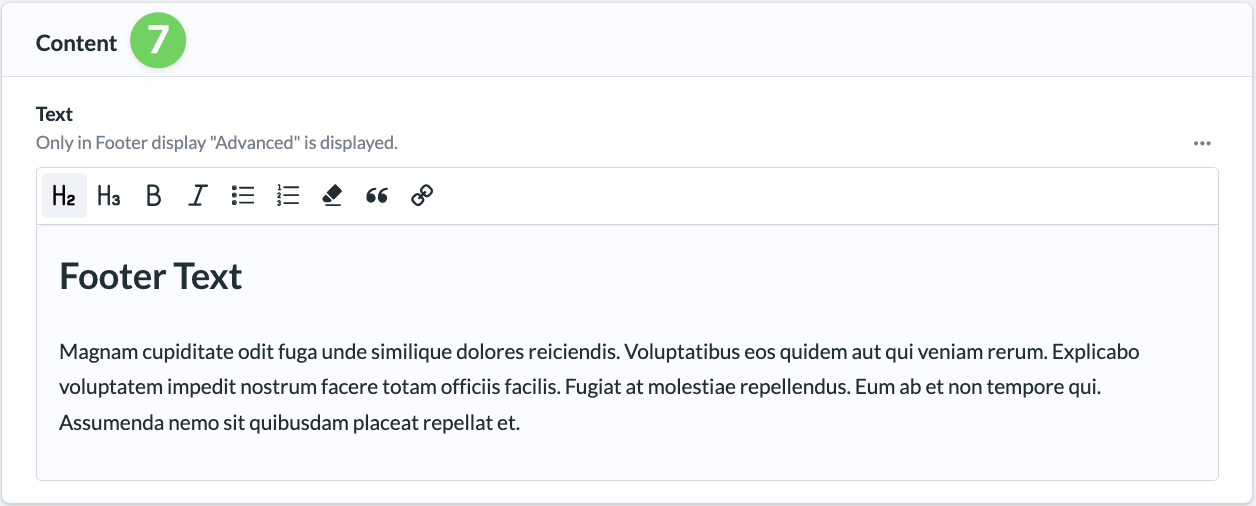
If you’ve selected the ” Advanced ” display option, text will appear in the footer that you can enter here under ” Content ” (7).