The ChurchTools Website allows you to provide a contact form that visitors can use to reach the people listed directly, without their e-mail addresses appearing on the website.
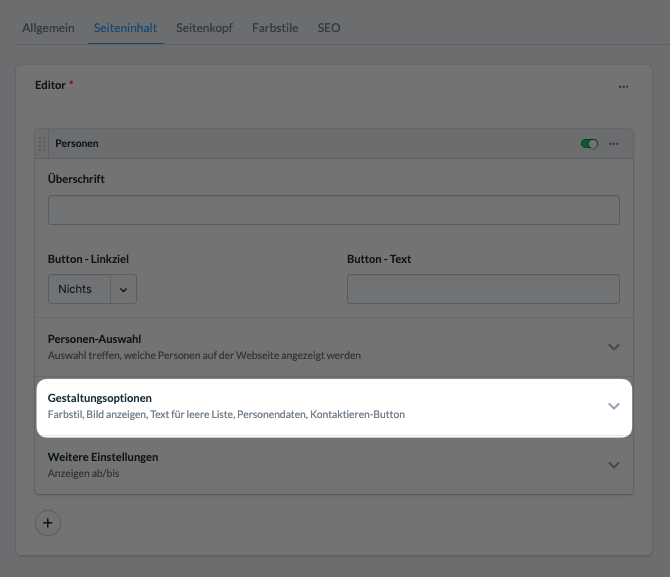
When you embed a person in an element on a standard or portal page, you decide whether or not to display the “Contact” button.
Enable the button by default #
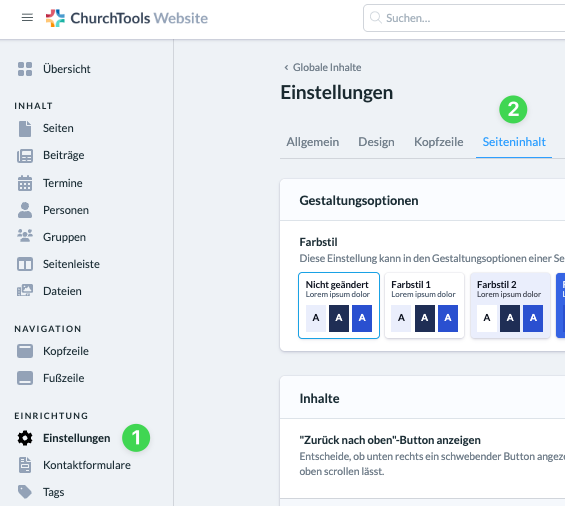
To do this, go to the admin area, click on “Settings “ (1), and then select ” Page Content “ (2). Here, use the slider under “Show ‘Contact’ Button” (3) to enable the button for your website. This will make it appear by default in all elements that display people.

Hide the button for an element #
If the “Contact” button is enabled by default, you can hide the button for that element in the styling options of an element inserted into the page content.