You can embed a contact form on your ChurchTools Website to give visitors the opportunity to contact you. When creating the new form, you can choose whether to have incoming messages sent to you via e-mail and/or saved as an Excel file.
To view the saved messages, go to the admin area and click “MORE” to access the contact forms.
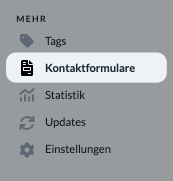
In the list of contact forms, you can see the current number of messages received for each form.

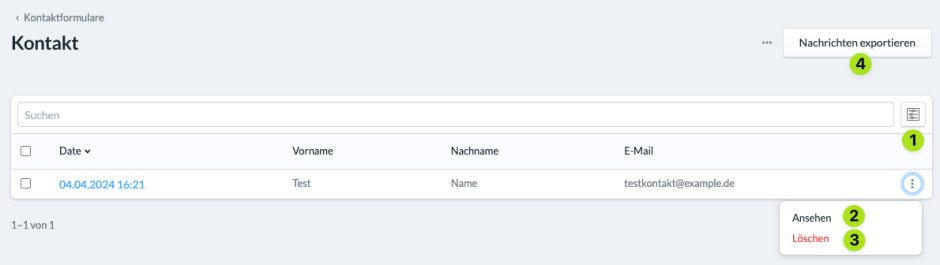
If you click on one of your forms, you’ll see a list of all the messages received through it. You can filter (1), view (2), delete (3), or export them as a CSV or Excel file (4).