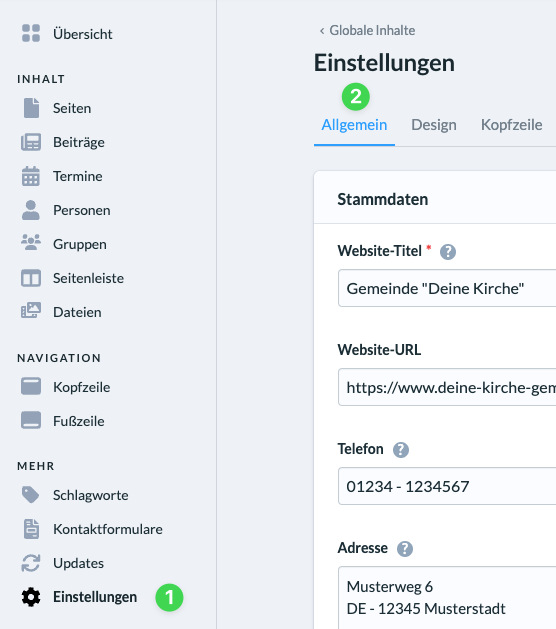
In your website’s admin panel, go to Settings (1) and select the General tab (2).
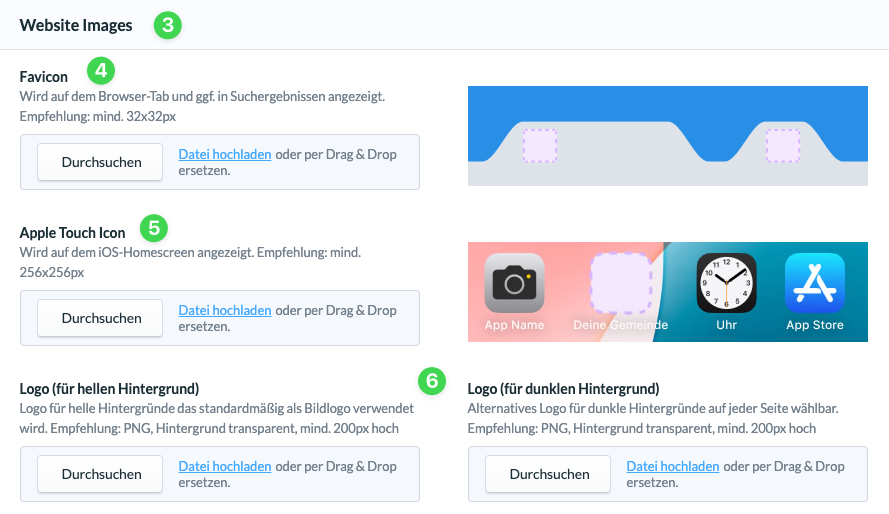
Here, under ” Website Images ( 3),” you can upload images or graphics.
You can upload a favicon (4) for browser tabs and search results.
For Apple users, you can upload an Apple Touch icon (4) that will appear on the iOS home screen.
Below that, upload your logo (5) for light and dark backgrounds. By default, the logo for light backgrounds is used, for example, in the header or footer, while the one for dark backgrounds is an alternative logo that is used whenever you select “Dark Image ” for displaying an overlay header.