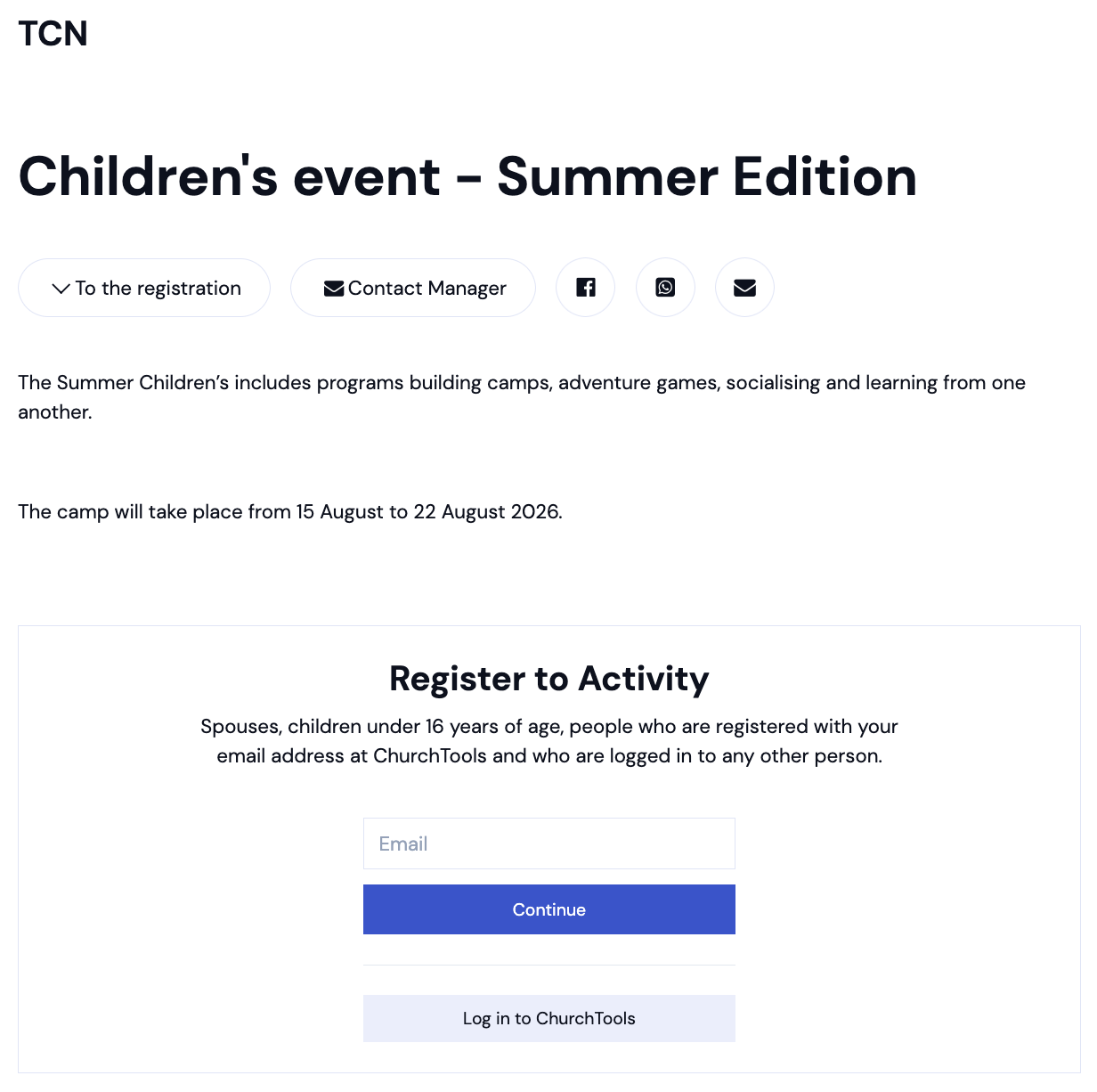
With the ChurchTools Website, you can very easily have information about your congregation’s public groups or events automatically imported into your website and embedded into web pages. If there’s a way to sign up for these groups or events, visitors to your website will also be automatically given the option to sign up directly. This makes it easier for people to participate and come to your church.
1. Meeting with the sign up group #
To enable registration through your website, you have two options: Either you create an event in ChurchTools with a sign up group in a calendar that’s been shared with the website—for example, for a planned concert with limited seating in the events calendar. This way, visitors to your website are directed straight from the published event to the registration page.
2. Public group #
Or you can publish the sign up group directly on your website so that visitors can find all the information and the registration form for the group—for example, on an overview page. We’ll show you how to publish a group on your website below.
2.1 Setting up a group in ChurchTools #
The group must have an “Active” status, be set to ” Public,” and be open for registration.

If that is the case, it will automatically be made available for the ChurchTools Website as part of our public relations efforts.
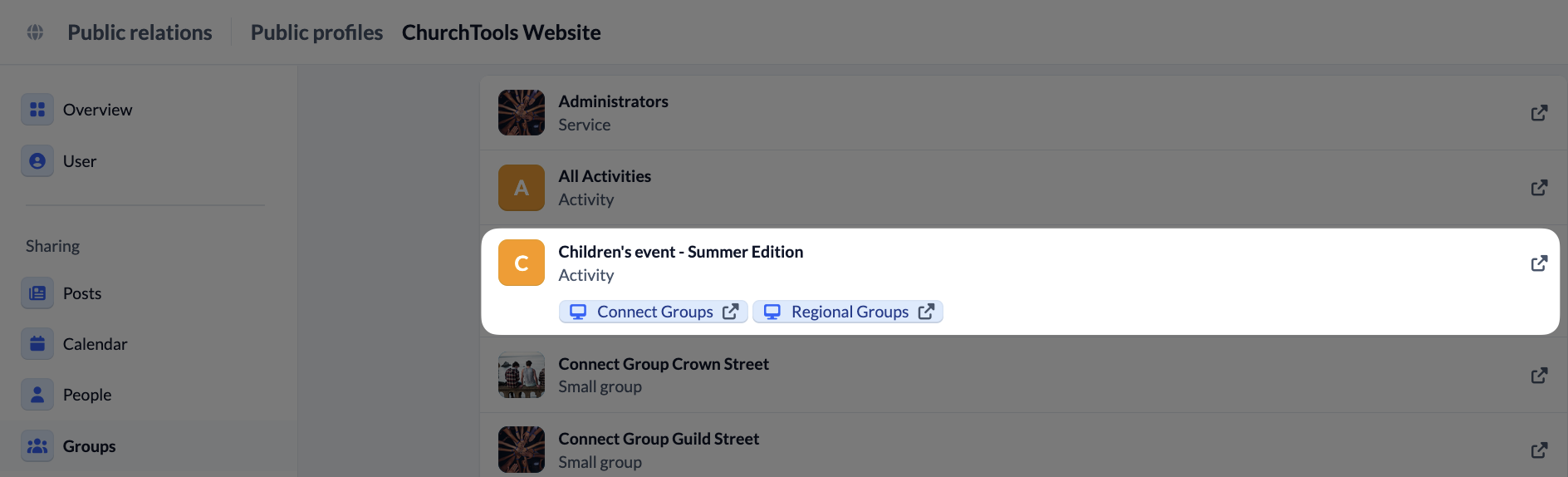
The data is automatically synced with the website every 30 minutes. If you’d like to sync it more quickly, you can also do so manually via the website. We explain how to do this in our article on importing data from ChurchTools.
Once you’ve set up the group in ChurchTools and the data has been synced, you’ll find the group on the ChurchTools Website in the left-hand menu under ” Groups ” with the status ” Published.”

2.2 Integrate group into the ChurchTools Website #
Now you can embed the group on a page. Visitors to your website can sign up directly there.