


A congregation lives from the people who visit and join it. In the Public Relations section, you record information about your congregation and its campuses, which is then presented in the ChurchTools Finder and the ChurchTools app.
This way you can reach more people and get them to come to your congregation and make it easier for people who are already staying with you and have a ChurchTools account to Login to your ChurchTools to get involved.
Permissions for public relations #
To be able to view and edit the public relations area, you need the global permission “Manage public relations”. As soon as your user has this permission, you can get started. You can get it from your local admin.
Instructions #
- You can find Public Relations via the Manage menu in the top blue menu bar.
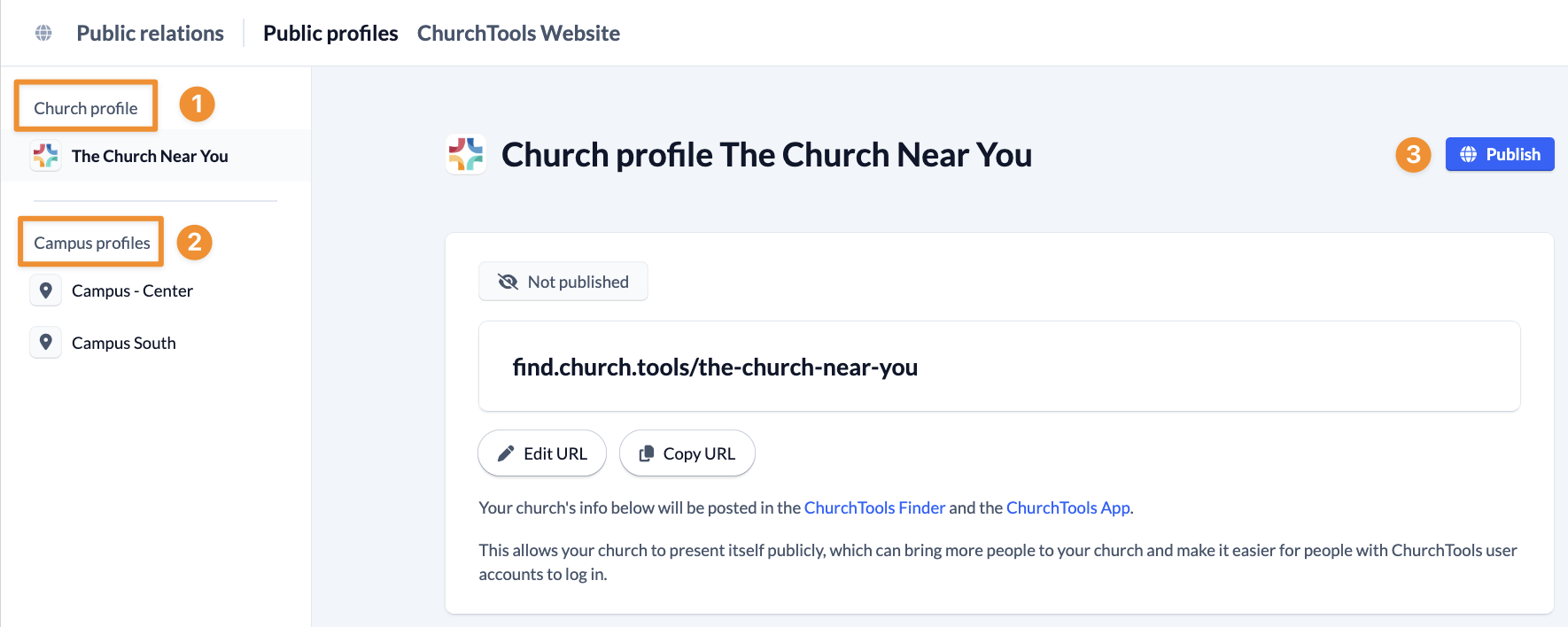
- Here you have the opportunity to enter and publish your congregation profile (1). If congregation information is already stored in the System settings, it will be transferred to the public relations. If you change something, these changes will be applied again. This works in both directions.
- If your congregation has several campuses, you can also store individual campus profiles (2) and publish them individually.
- By clicking on the blue Publish button (3), the information is published in the Finder and in the app. After publication, a green button informs you that the profile is public.
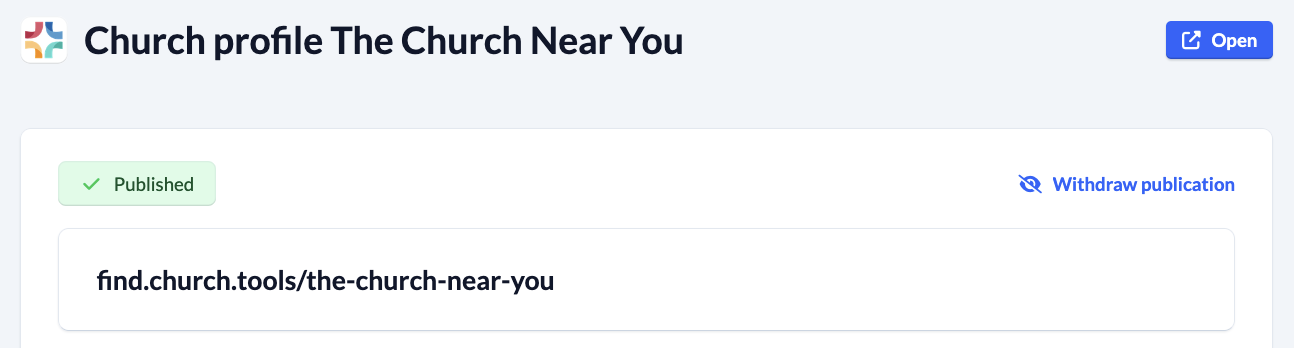
Of course, you can undo the publication by clicking on the Undo button. You can view your profile page by clicking the Open button at the top right.