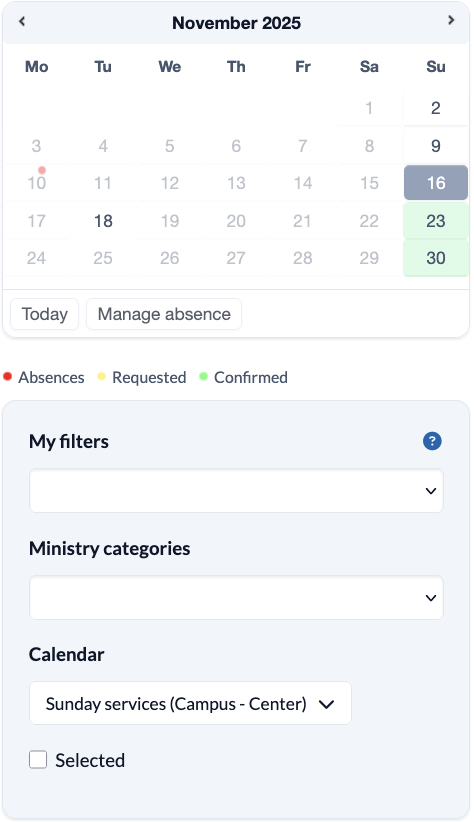
The filters help you to control the display of events so that only the events that are currently of interest to you are displayed.
The calendar shows the available events within events. By clicking on a tag, the events of this tag are displayed first in the list on the right.
You can also see your absences in the calendar; these are marked with a red dot, your confirmed roles are green and requested roles are yellow.
Under My filters you can select filters that help you to show only the events for which you are assigned.
The selection under Role categories leads to the display of a special Role categories, such as the program only. This allows you to focus more on one Roles when planning.
The events are created in the calendar. To select them, you can filter the calendars here.
To compare events with each other, you can select several events in the list. As soon as you click on marked events, only the corresponding events will be displayed.