1. Call up permissions for the group #
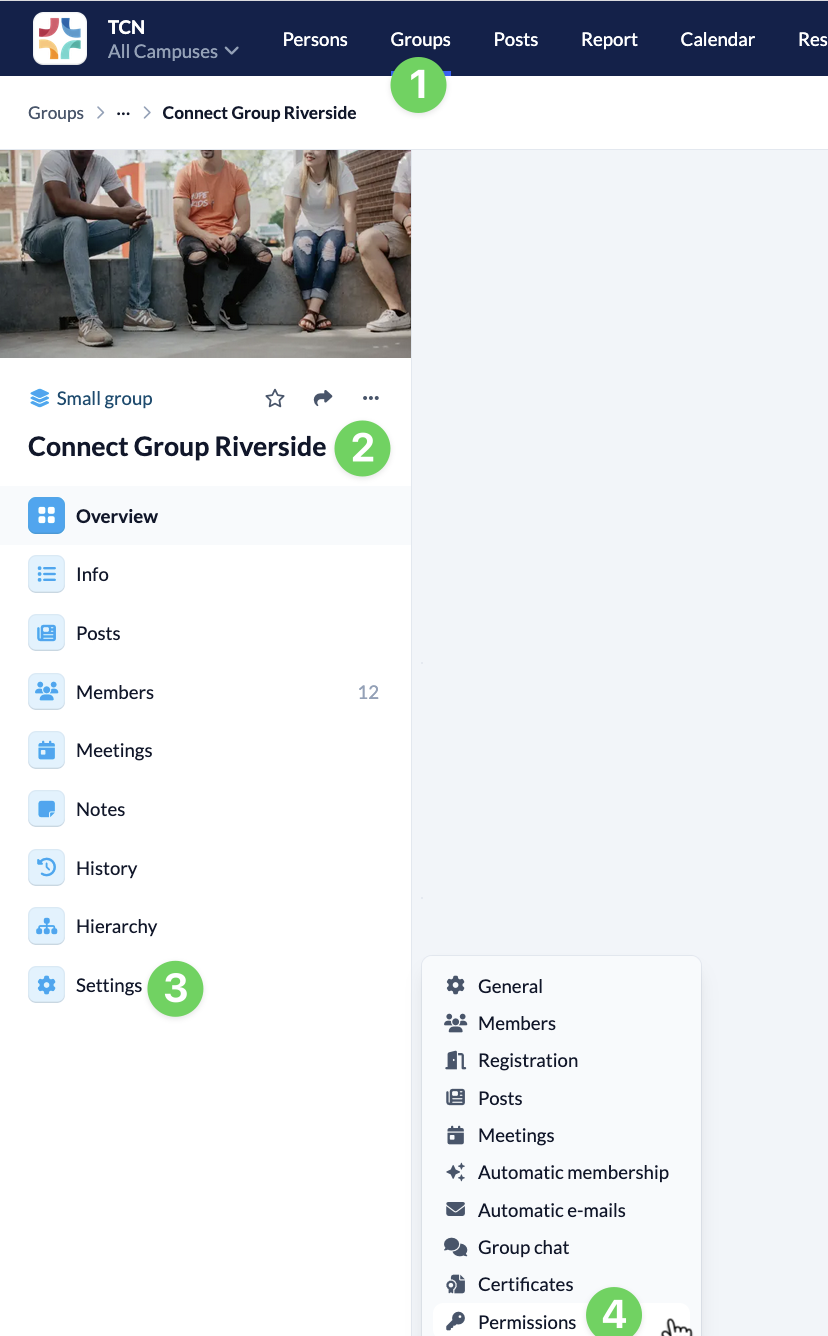
In the Groups module (1), you call up your Group (2) and open the menu on the left-hand side to open the Settings (3). Here you will find the menu item Permissions (4).
2. Adjust permissions for the selected group #
Here you assign global and group-internal permissions that are only valid for members of your group.
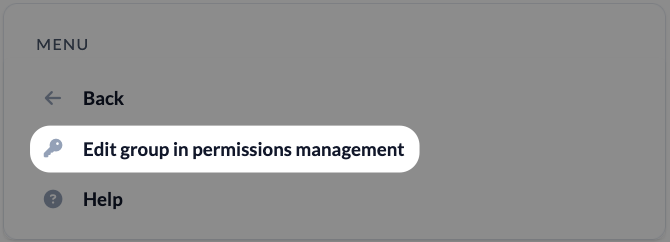
Via the menu on the left-hand side, you have the option to call up your group directly in the rights management and edit the permissions there.