To help you get even more out of the ChurchTools app—especially if you have accounts in different ChurchTools systems or multiple accounts within a single ChurchTools system—we offer the option to quickly switch between accounts without having to log in each time. Learn how to do this here.
1. Log in #
To switch between different accounts, you’ll need to log in to the app once with each account. You can find out how to log in to the app here.
2. Access your account #
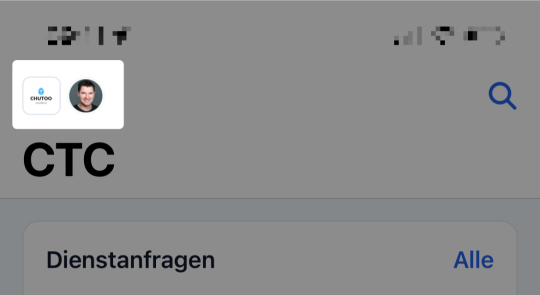
To switch between your logged-in accounts, open your account in the app.
3. Change Accounts #
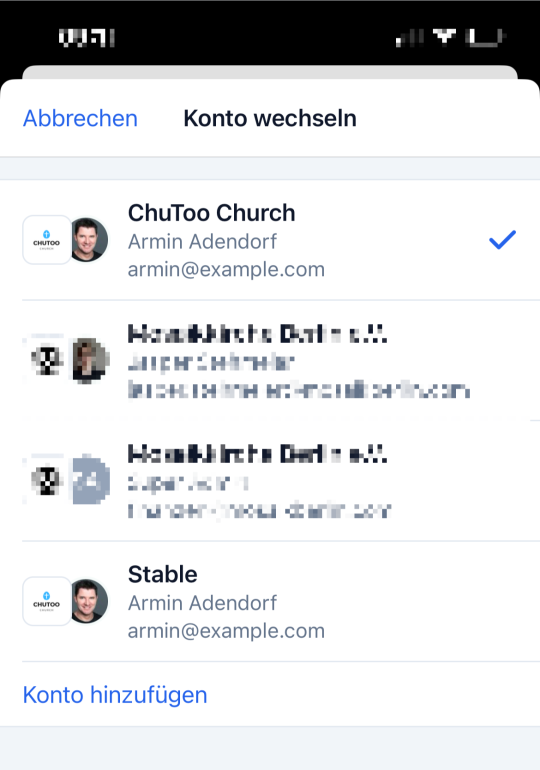
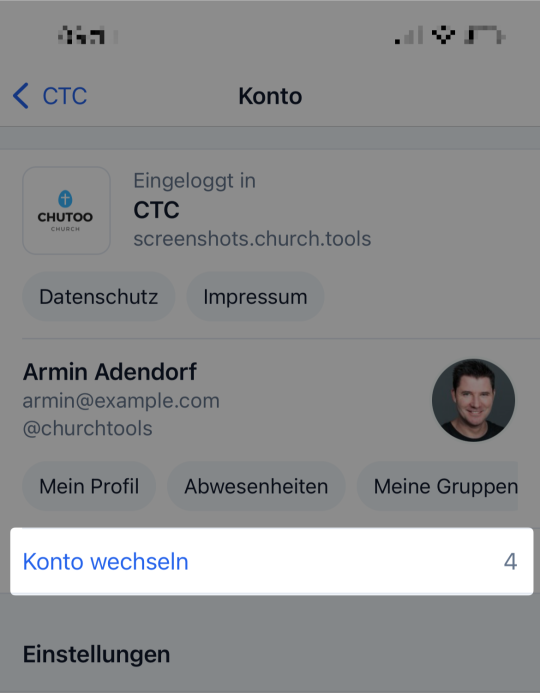
Here, click the ” Switch Account” button. You’ll also see a list of the accounts available to you.
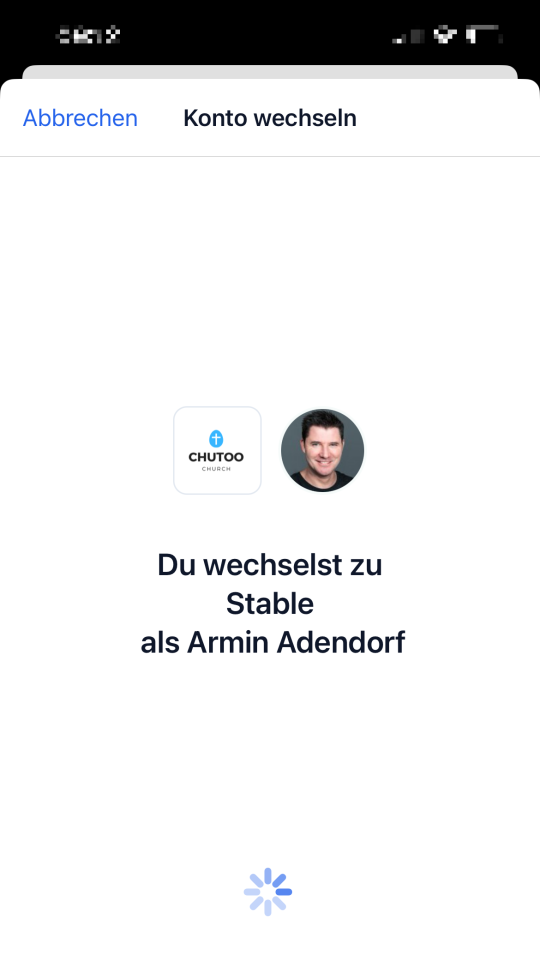
Next, select the account you want to switch to. You can tell which account is currently selected by the blue checkmark. To switch accounts, simply click on the account you want to switch to, and the app will take care of the rest for you.