When you’re in a chat, you’ll find several tools in the upper-right corner that let you use the following features:

1. Threads #
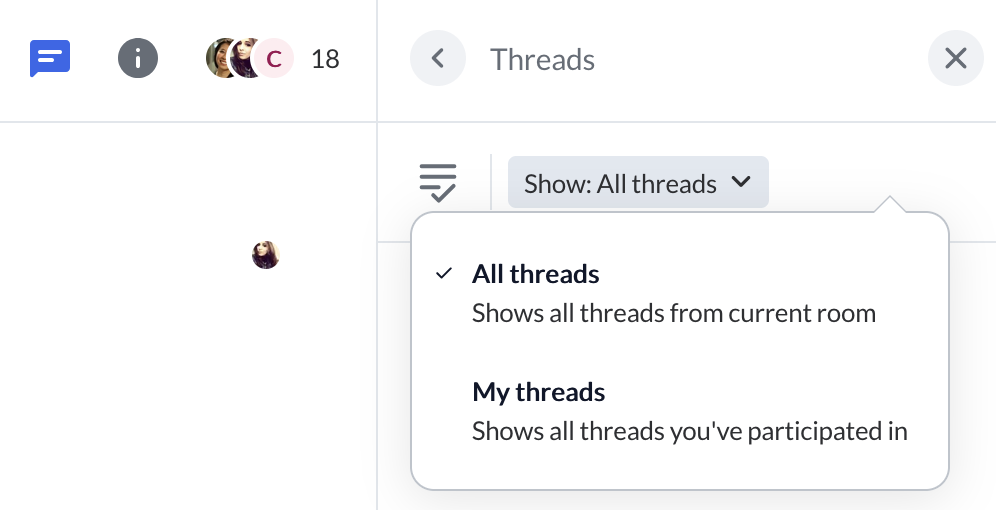
Here you can see a clear overview of all the threads from the chat, which makes it easier to follow topic-specific discussions.
2. Search and Manage Chats #
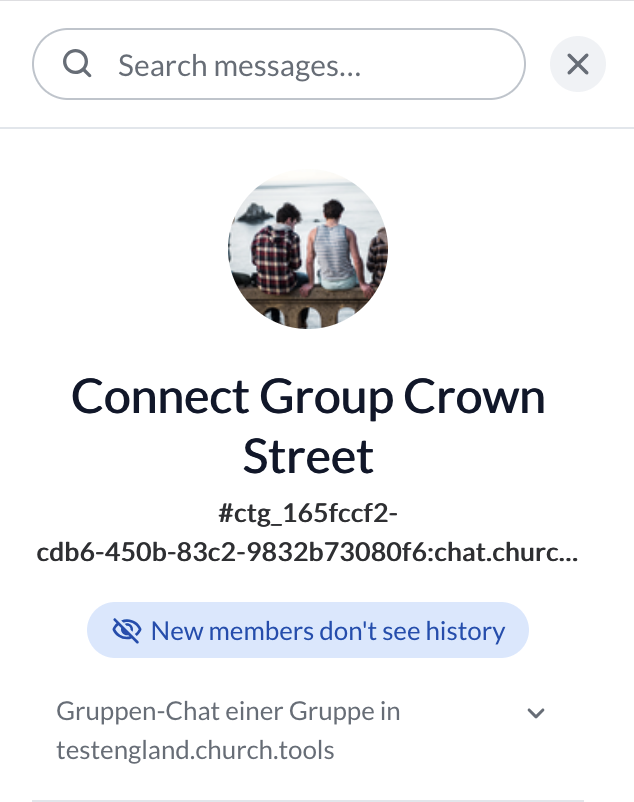
Here, you can quickly find the message you’re looking for in the chat, see the chat ID, and also tell whether the selected chat is a group chat or an event chat.
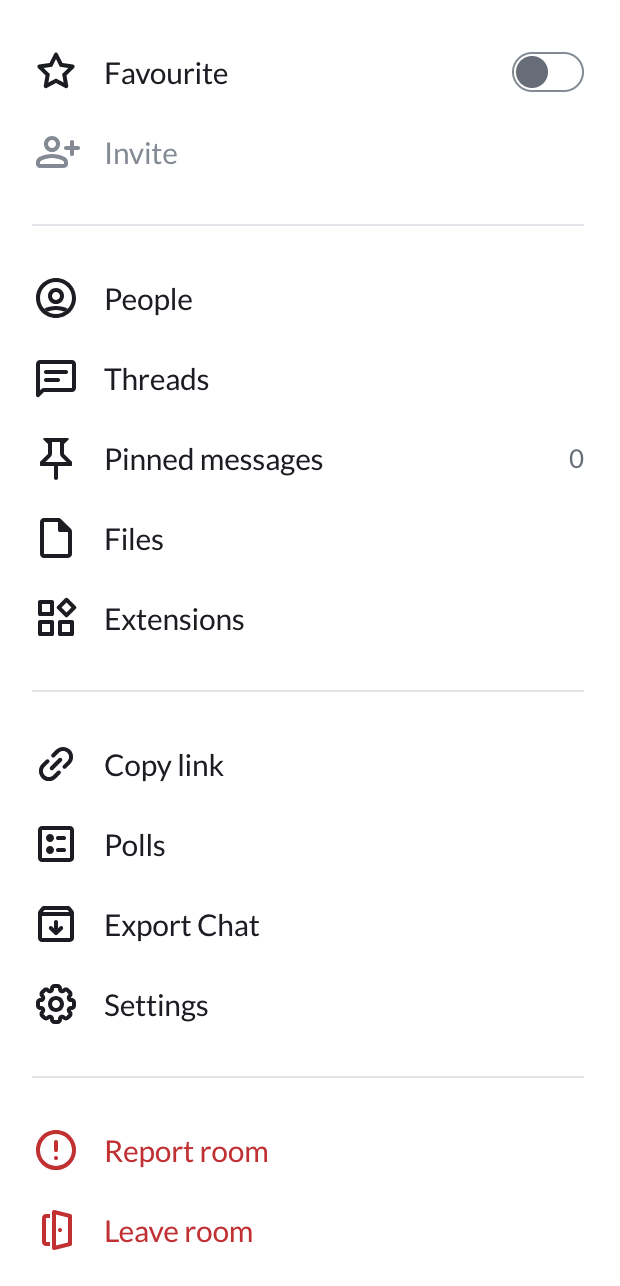
Below that, you’ll find many options for managing the chat. Among other things, you can add people, access shared files and polls, and report or leave the chat.
3. People at a Glance (for group chats only) #
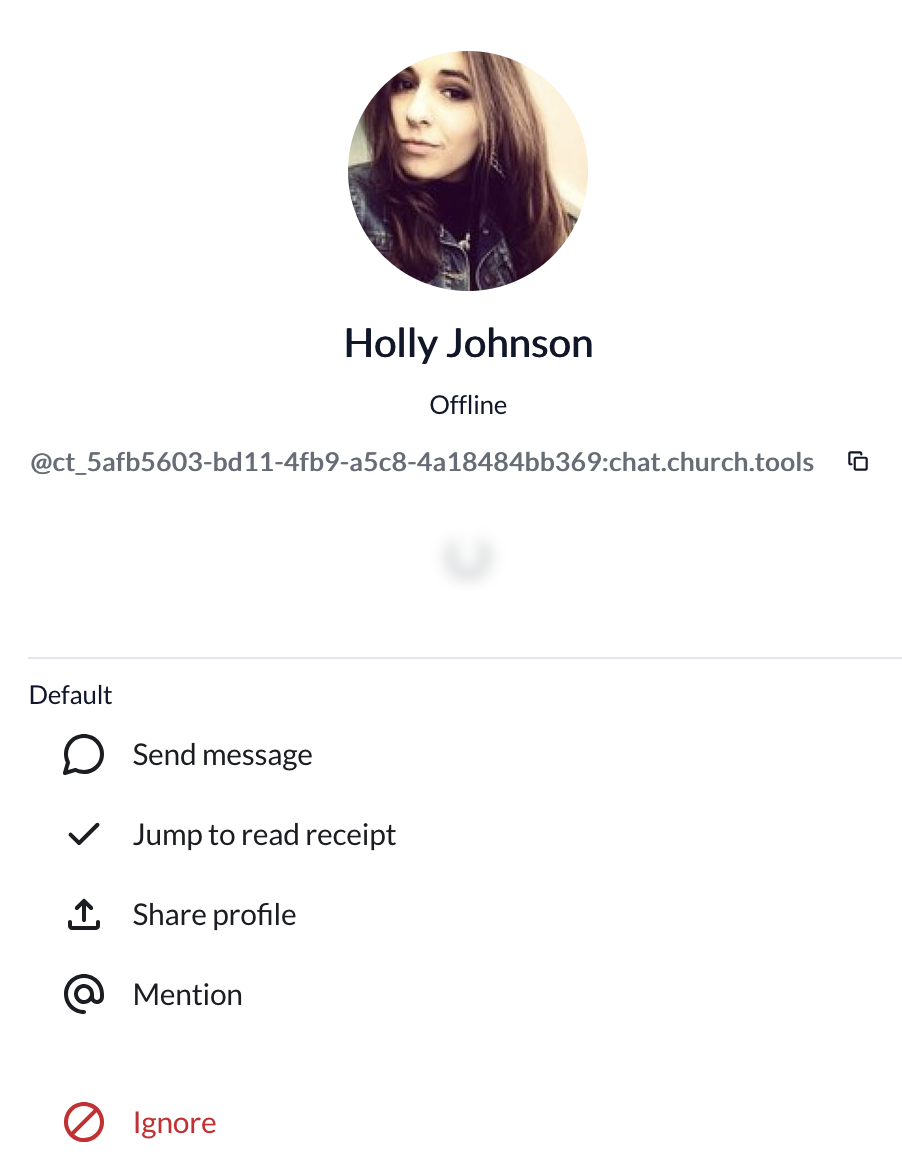
Here, you can invite people to the chat—provided you have the necessary permissions—and clearly see who has already joined the chat and who has yet to accept the invitation. You can also, for example, switch to a one-on-one chat with someone from their profile, mention them in groups, or—if necessary—ignore them.