ChurchTools offers a variety of languages, which we expand from time to time. New languages that we make available will be automatically added to your ChurchTools with the next release.
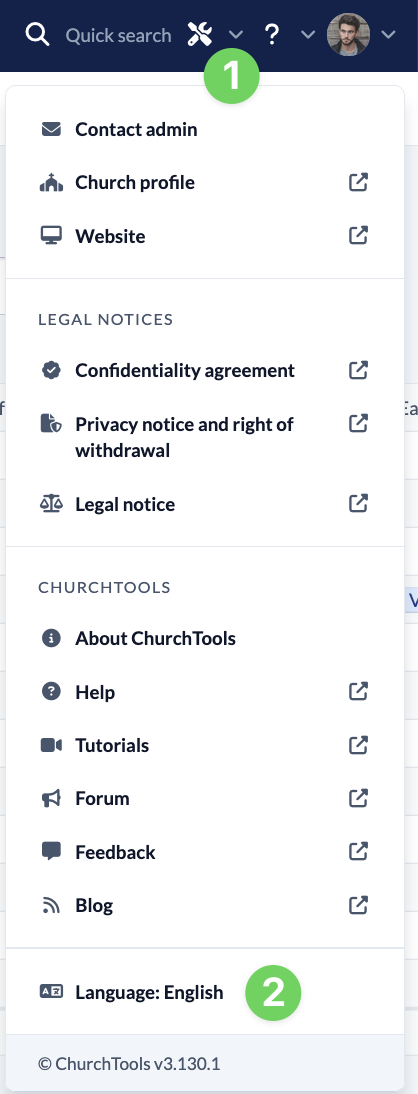
You can use the Help menu (1) with the question mark in the menu bar to select the language in which you would like your ChurchTools to be displayed. Open the menu and select Language (2).
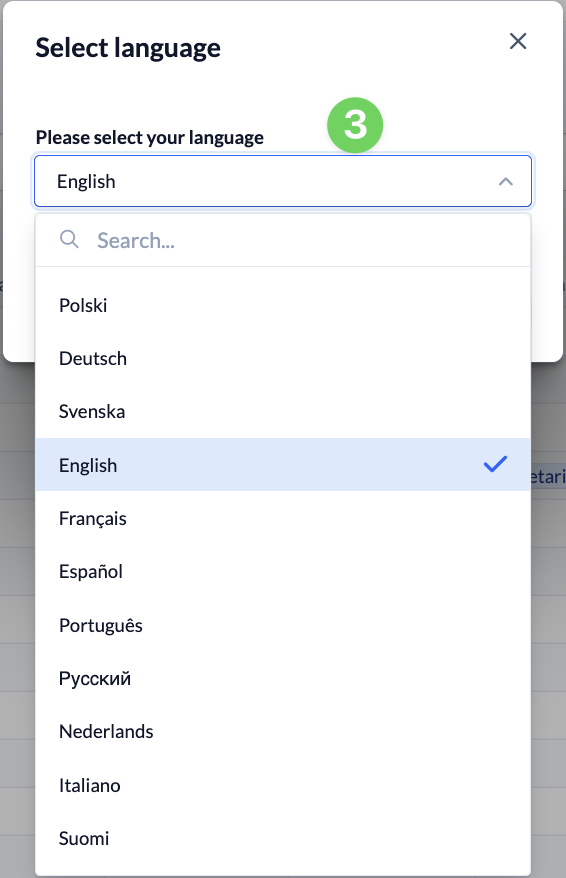
In the window that opens, you can select a language (3). After a short loading time, your ChurchTools will be displayed in this language.