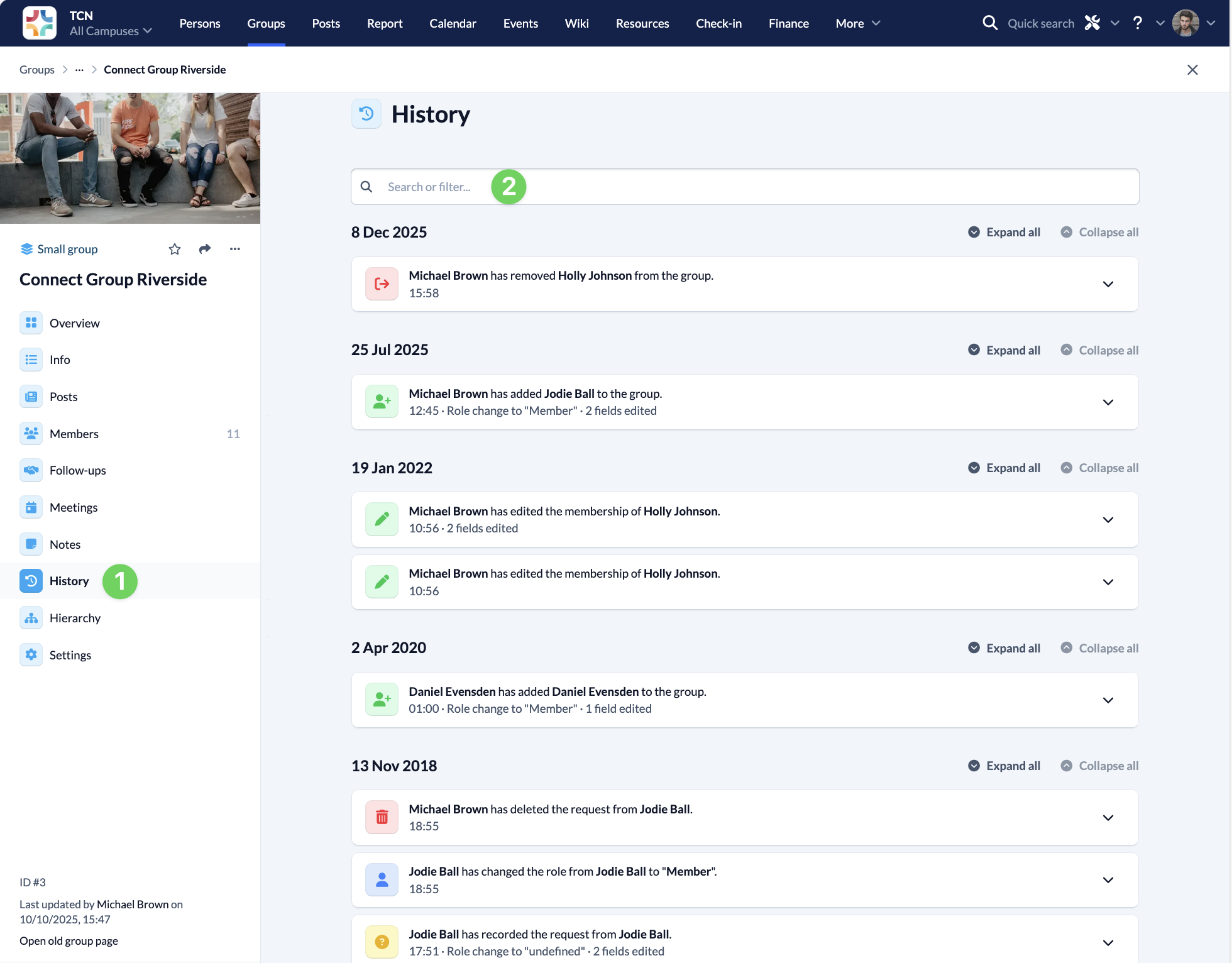
In the groups menu, you will find the history (1) of your group.
All changes that have been made to the group are displayed here in chronological order. This allows you to quickly and easily see what has happened in the group and who made the change and when.
For example, you can track participant movements or trace who has changed the group settings.
In the search bar (2) you can also search for terms in the history or filter it according to specific criteria.