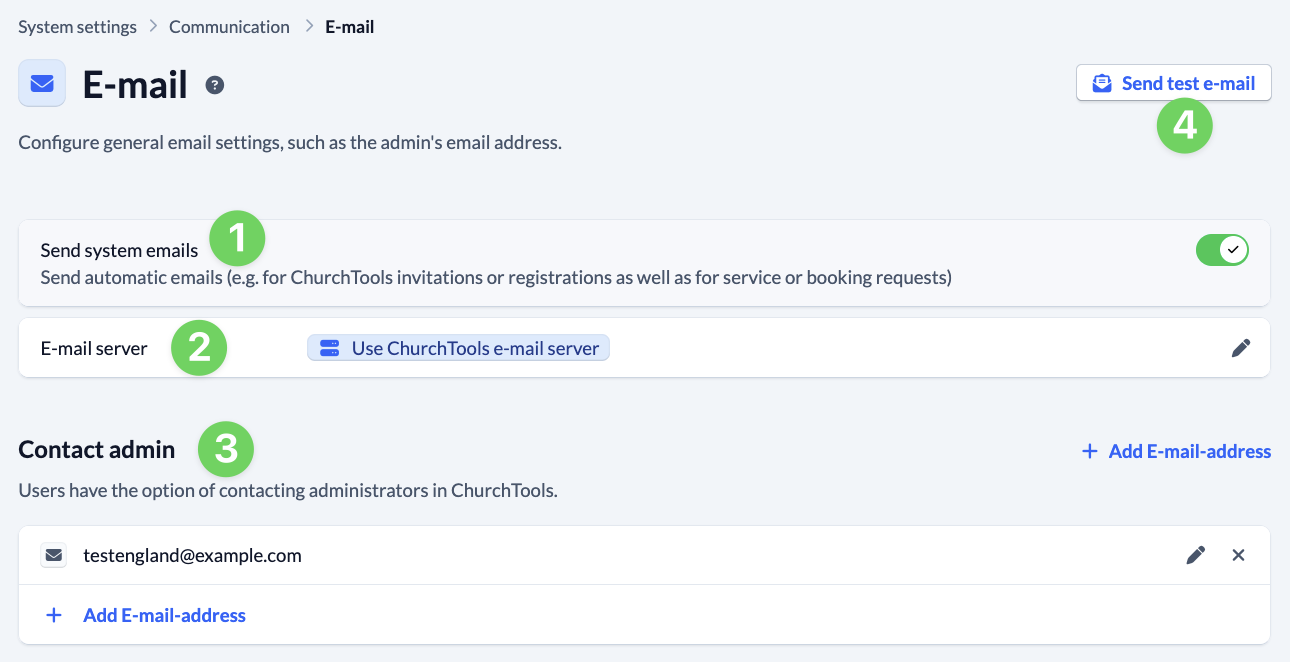
In the System settings under Communication and e-mail, you configure general e-mail settings, such as the e-mail address of your ChurchTools admin.
Sending system e-mails #
First, you set whether or not automatic system e-mails should be sent (1). This means that e-mails, e.g. for invitations or registration for ChurchTools as well as for service or booking requests, are sent automatically.
E-mail server #
Below this, you specify which e-mail server (2) is used to send the e-mails.
The default setting is that our ChurchTools e-mail server is used for sending. This means that everything runs automatically and you don’t have to worry about anything.
- System e-mails from ChurchTools will then come from the address
noreply@churchtools.de. It is not possible to reply to these e-mails. - E-mails sent manually, e.g. via the Contact people function in the Persons module, also have the noreply sender, but also contain the information that a reply e-mail is being sent to the real sender. If someone clicks on “Reply” in their e-mail program, the address of the real person is automatically entered as the recipient. This means that e-mails can also be replied to directly without the sender being changed.
- The e-mail settings are automatically checked when the scheduled tasks run through.
Alternatively, you can use your own e-mail server to send e-mails from ChurchTools. We explain this option in more detail below.
Contact admin #
Finally, enter the e-mail address at which an admin can be contacted (3). Of course, you can also enter several addresses if you have a team in the congregation. In this case, separate the individual addresses with commas.
The Send test e-mail button (4) sends you an e-mail that you can use at any time to check whether the e-mail is being sent correctly.
Optional: Use your own server and your own sender e-mail #
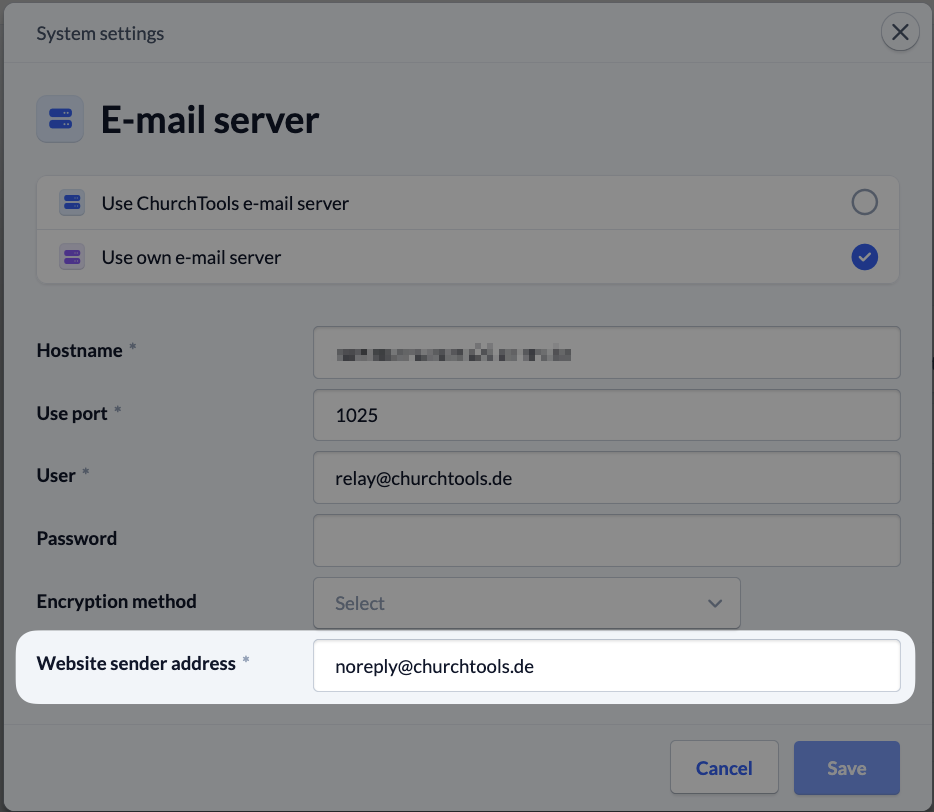
If you are sure that your e-mail server meets the requirements of ChurchTools and you want to use it, select under E-mail server (see 2 in the screenshot above) that you want to use your own e-mail server.
Here you enter your server data and select the encryption. Under Website sender address, enter the address from which the e-mails are to be sent from ChurchTools.