


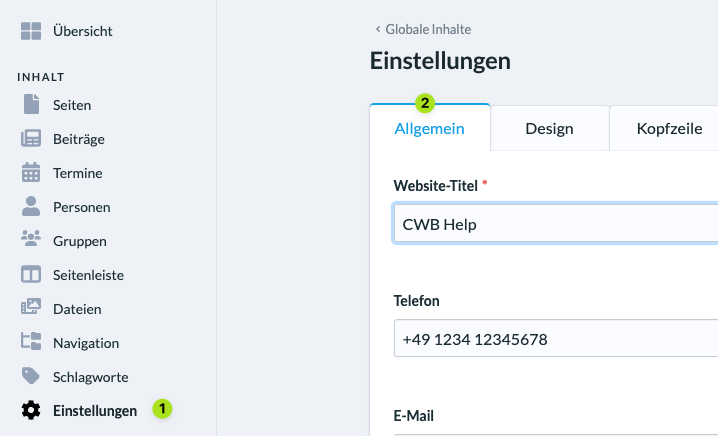
To add your church’s social media channels to the website, go to Settings (Einstellungen) (1) in the admin area of ChurchTools website. In the tab General (Allgemein) (2) scroll down to the section SOCIAL MEDIA.
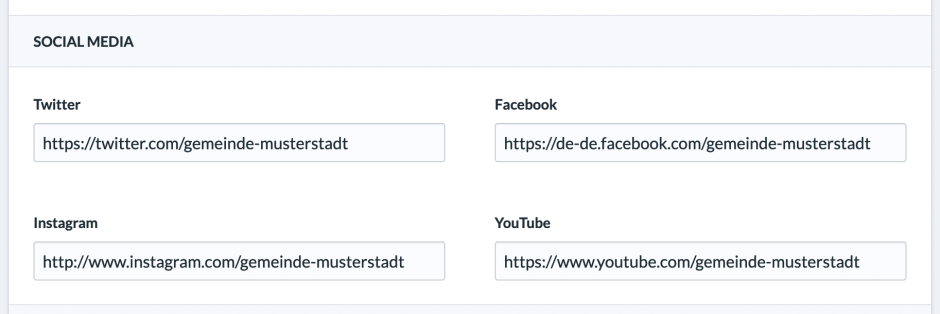
There you can add links to your church’s Twitter, Facebook, Instagram, and YouTube channels.
The channels will then be linked in the footer of your website.