


To make it easier for you to search for and keep track of your church services, we can provide you with reports created specifically for the regional churches in your ChurchTools account. Please contact our support team for assistance.
Once the reports have been entered, you can use them on your own.
This guide will show you the best way to do that.
1. Create facts #
To use the reports, you must enter the required information in the master data of the Events module.
You can find our guide on how to create new facts here.
For the reports, you’ll need various facts based on which you’d like to categorize your church services.
Feel free to use our five example criteria as a guide for categorizing your church services.
Of course, you can name these example criteria yourself according to a scheme that makes sense to you and populate the available dropdown menus as needed.
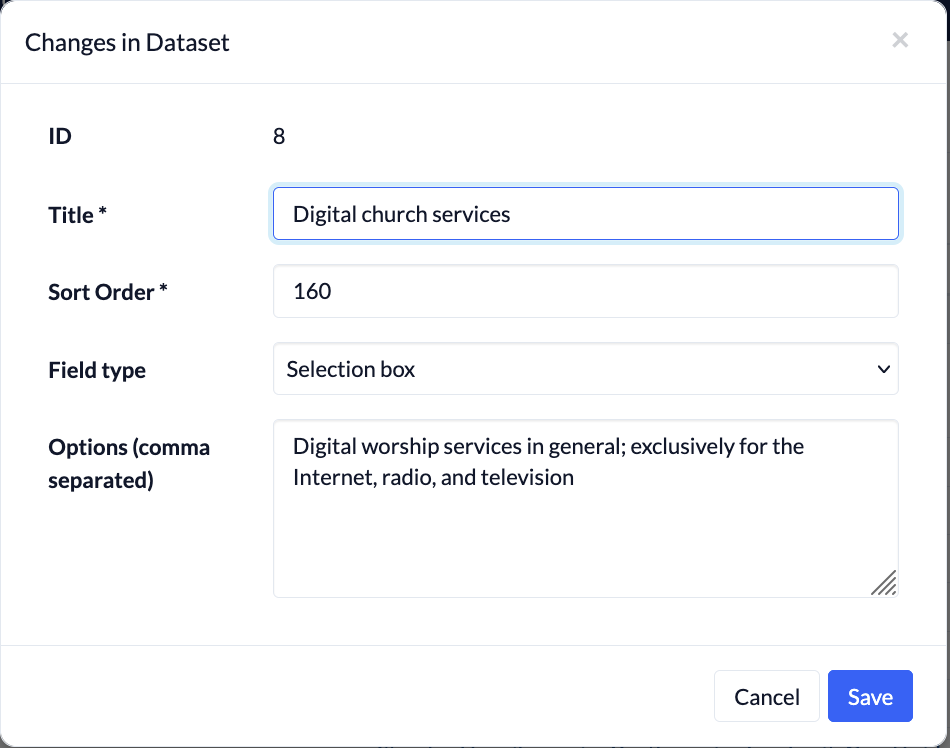
Worship service category #
Possible options: Church services without children’s programs, children’s programs, online church services, other events
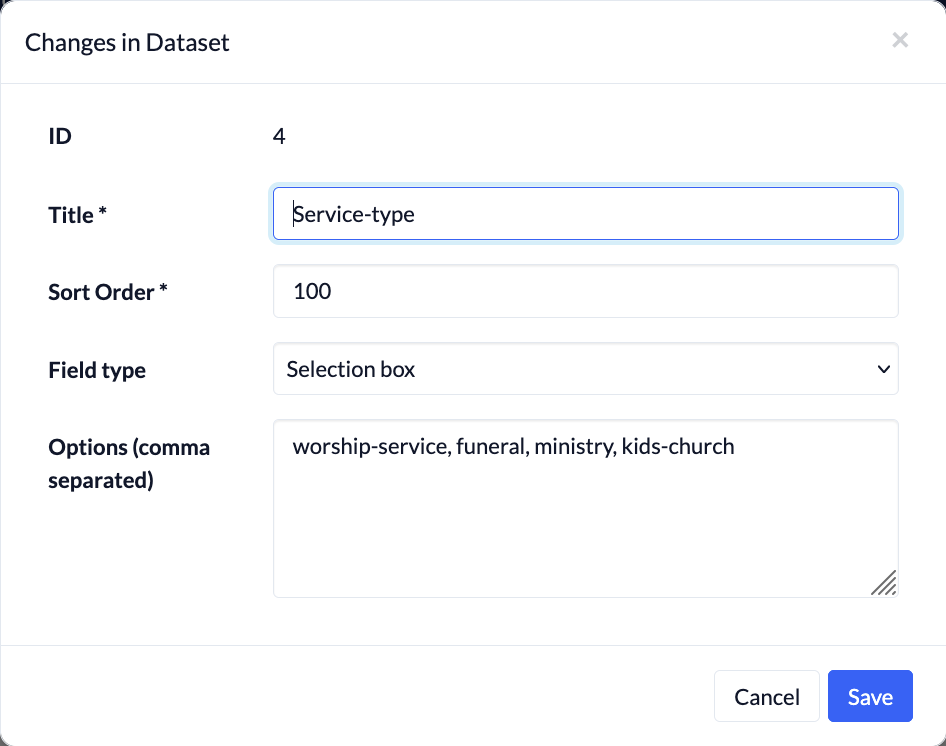
In-person church services (excluding children’s services) #
Possible options: Standard, Family Service, Youth Service, Invokavit, Good Friday, Harvest Festival, First Sunday of Advent, Christmas Eve, End-of-Year Service
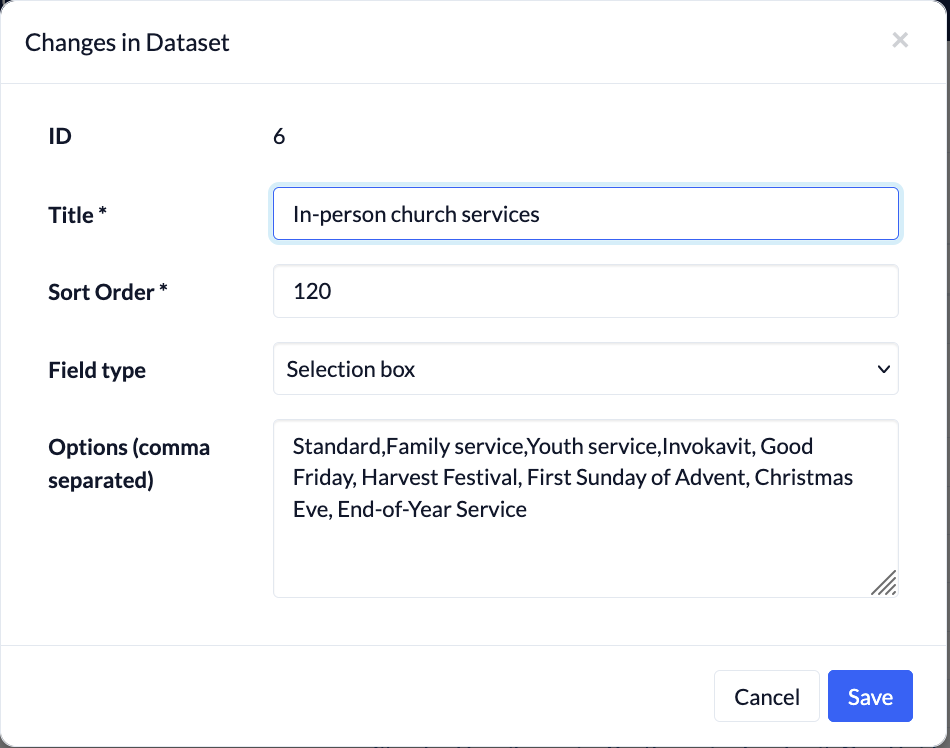
Children’s church services #
Possible options: Children’s worship service (general), Sunday children’s worship service, Invokavit, Children’s worship service for elementary school students
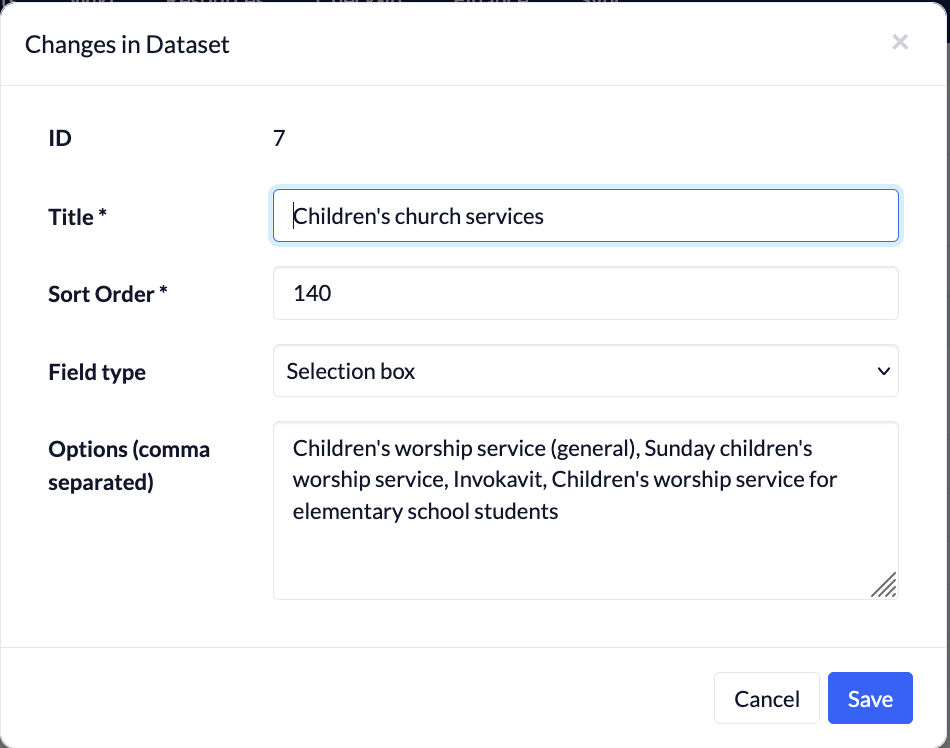
Digital church services #
Possible options: Digital worship services in general; exclusively for the Internet, radio, and television
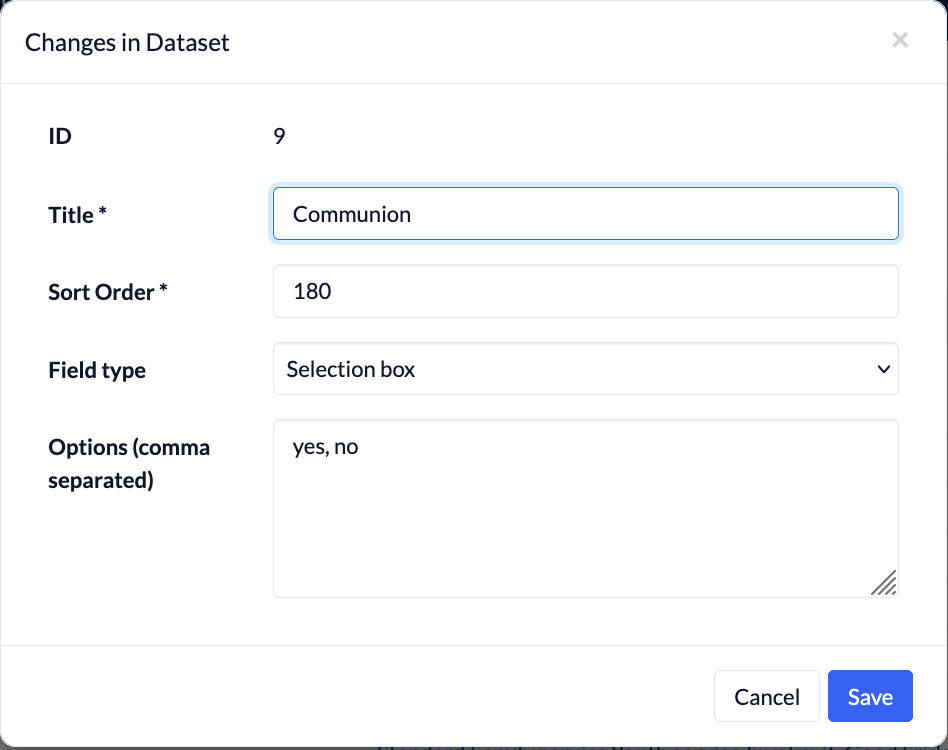
Communion #
Possible options: Yes, No
2. Create an event template #
Next, it makes sense to create event templates for your various church services and set them up so that the facts you just created are always added to the event by default.
You can find our guide to creating event templates here.
So, for each type of worship service that you want to include in your statistics, you need a separate template in which you have filled in the appropriate categorization based on the data you’ve collected.
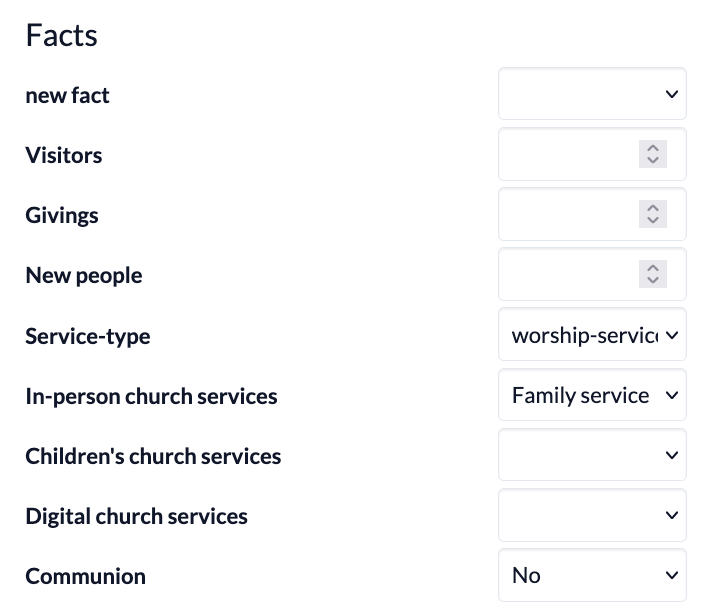
For an event template for a family worship service, the selection of facts might look something like this:
3. Create appointments with associated events #
If you want to create new worship services in ChurchTools, it’s best to create a new appointment with an associated event directly in the Calendar module.
You can find out how to do that here.
It’s important that you use one of the templates you just created—the one where you’ve entered the new information—as your event template.
If you use different calendars for your various church services, you can also assign the appropriate event template to each calendar, which will then always be used whenever you create an event in that calendar.
Find out how it works here.
4. Retrieve report #
If you created your worship services using the event templates or entered the relevant information manually, you can view the worship service statistics in the Reports module (1).
To do this, select the Ad Hoc Report (2) “Service Statistics” (3) and specify which report (4) you’d like to view (number of events, number of attendees, or frequency of Communion).
When you click ” Run Query ” (5), the desired statistics will be displayed, and you can further filter the results by year (6) and month (7).

You can find our detailed instructions for retrieving ad hoc reports here.